If you are using VS Code, there are lots of VS Code extensions that can increase your productivity. One of them is Bookmark.
It lets you create a bookmark (and label them) anywhere in your files. You can then quickly navigate between bookmarks easily without searching your code.
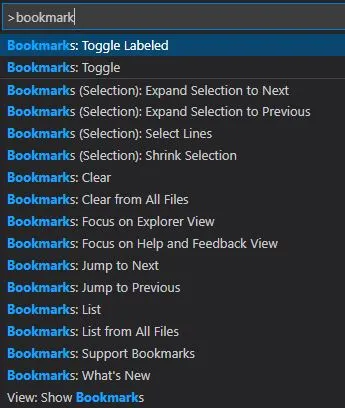
Here are some of the features that Bookmarks provides:
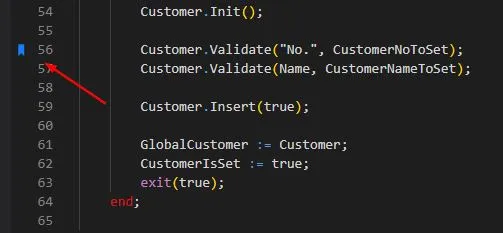
- Mark/unmark positions in your code
- Mark positions in your code and give it name
- Jump forward and backward between bookmarks
- Icons in gutter and overview ruler
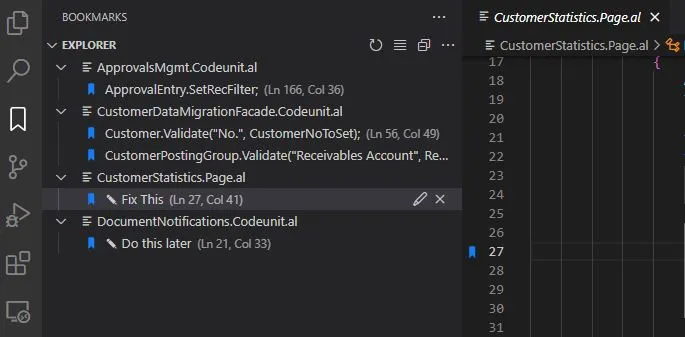
- See a list of all Bookmarks in one file and project
- Select lines and regions with bookmarks
- A dedicated Side Bar
Very handy when you are working with multiple long files and need to bookmark and navigate between sections of your code.