BC Friday Tips #58 Spotting Report with SaveValues
BCFridayTips time for msdyn365bc Consultants!
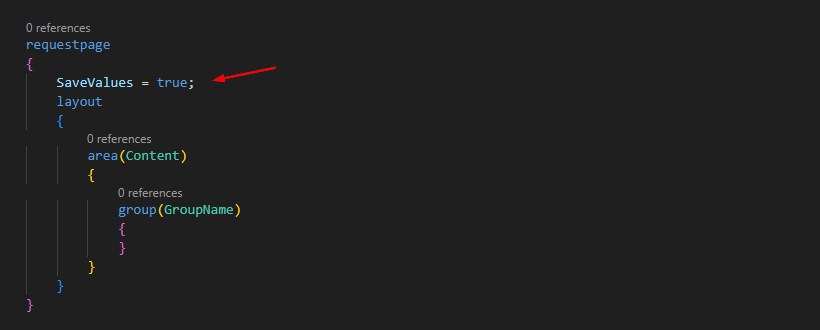
💡SaveValues helps your reports remember the last options the user picked. It improves the experience and cuts repetitive work.
Did you know how to spot if the report uses SaveValues?
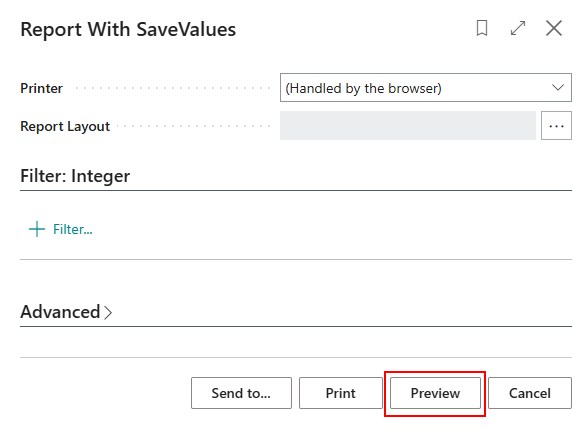
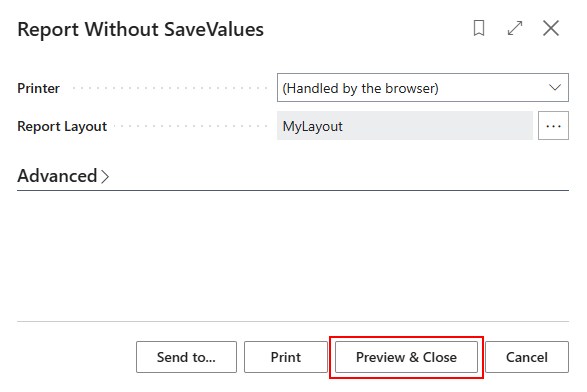
Check the Preview button.
If it shows Preview, SaveValues is on.
If it shows Preview & Close, SaveValues is off.
This quick check tells you how the request page will behave.
Preview keeps the request page open, so you can adjust options and preview again.
Preview & Close closes the request page, so you must reopen the report to make any changes.
Why this matters:
✅ You know what the report will do before running it.
Turn on SaveValues when it helps the user save time.
Share to help others ♻️ and follow for more tips! 🚀