Here’s another #BCFridayTips for #msdyn365bc developers.
Tidy up your code with the “AZ AL Dev Tools” extension’s Code Cleanup Actions.
It’s important to keep our code nice and tidy. It’s not just about aesthetics; it’s about readability, efficiency, and improving collaboration among team members.
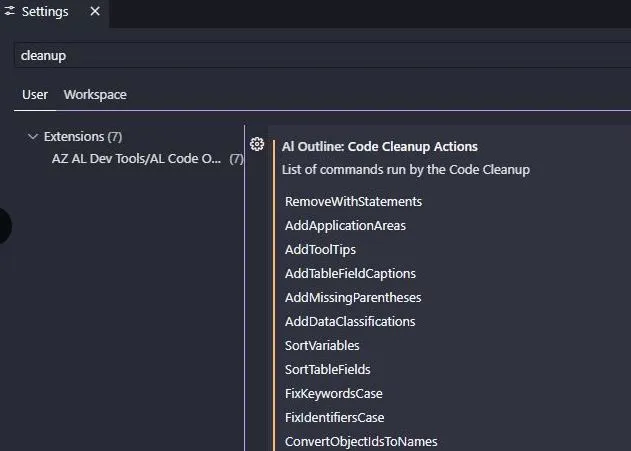
One of my favourite tools is the AZ AL Dev Tools extension. It has a “Code Cleanup Actions” feature that lets you set up a list of cleaning actions to run.
For instance, you can:
-
Fix Keywords Case
-
Fix Identifiers Case
-
Sort Variables
-
Sort Table Fields
-
Remove Unused Variables
-
Remove Empty Lines
-
Add Object Captions
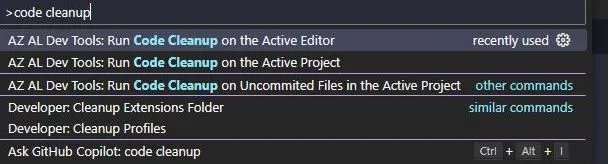
Search and run the command “Run Code Cleanup” and watch your code get tidier!