Happy BCFridayTips for the msdyn365bc consultants.
Analysis Mode is a feature that lets you analyse data directly on list pages within the application. You do not need to create a report or use another application.
Did you know that you can easily share and export the Analysis Mode?
-
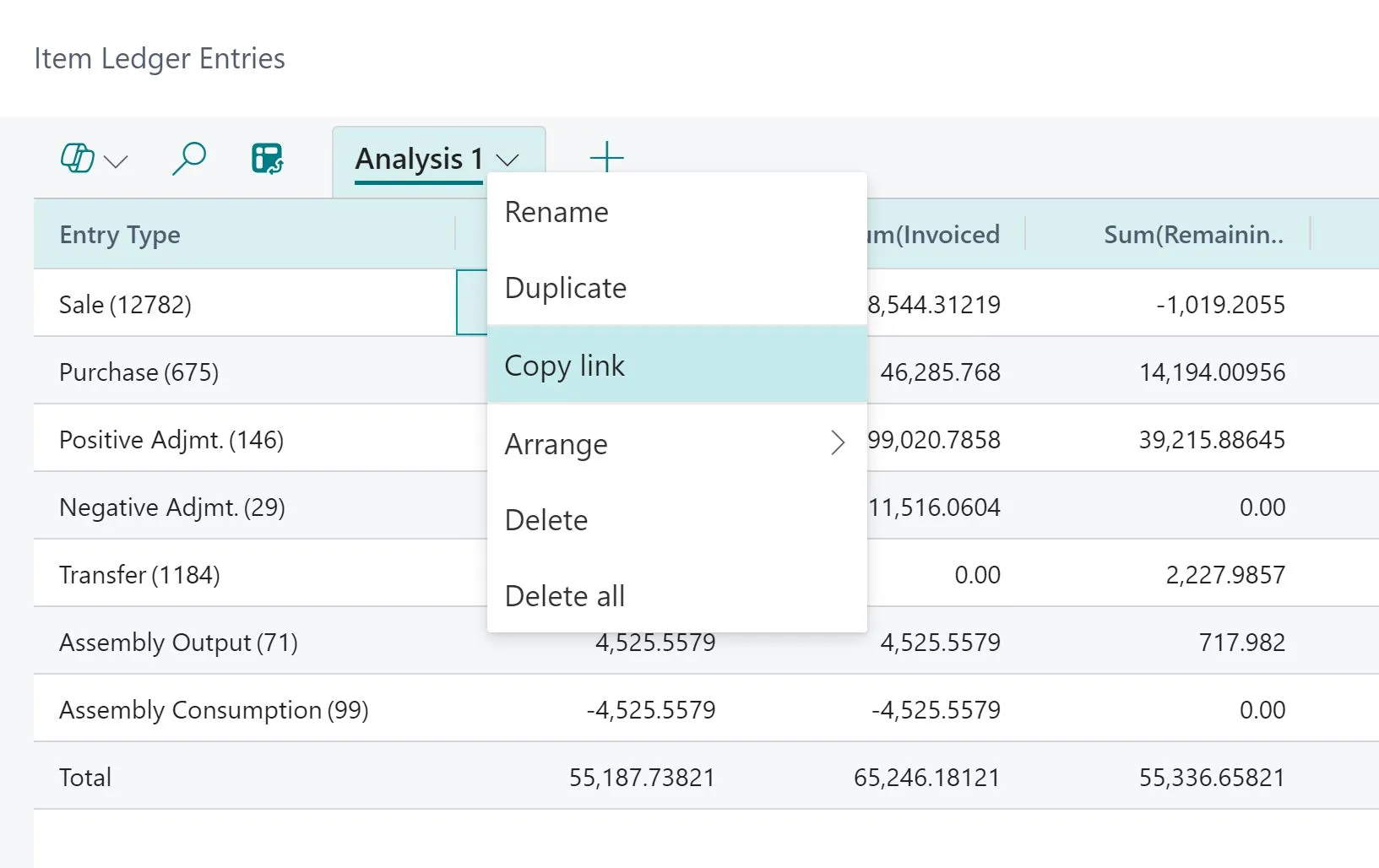
🔗 Share the Analysis Mode: Use the “Copy Link” option. Only those with the proper permission can view the link.
-
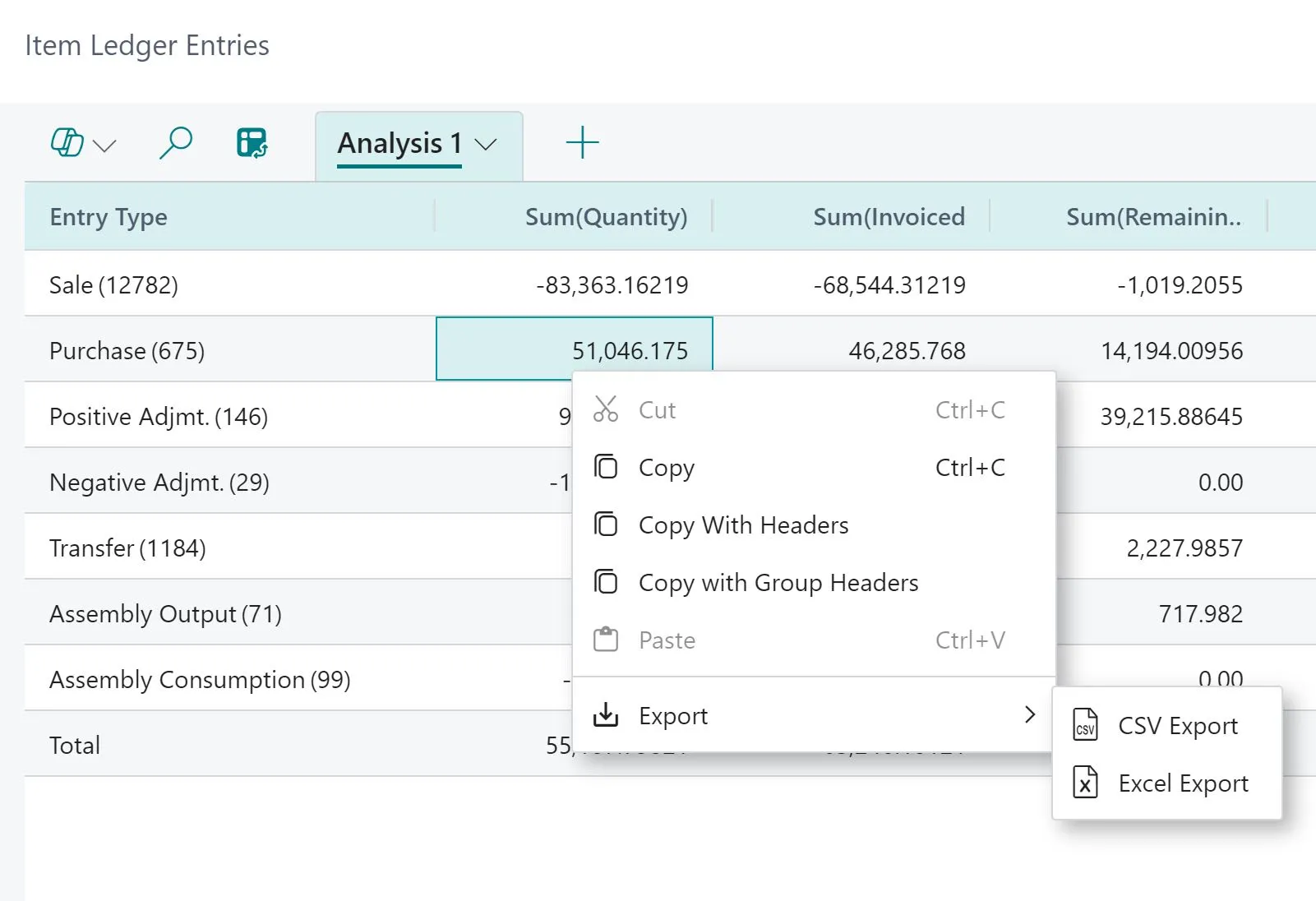
📤 Export the data: Right-click on the Data Area and select Export to get the data in CSV or Excel format.
Simple and easy.
Share with others ♻️ and follow for more tips in future. 🚀