Happy #BCFridayTips to all #msdyn365bc consultants.
💡Want a quick way to block most users from accessing an environment?
Use the environment- level security group.
Here’s how:
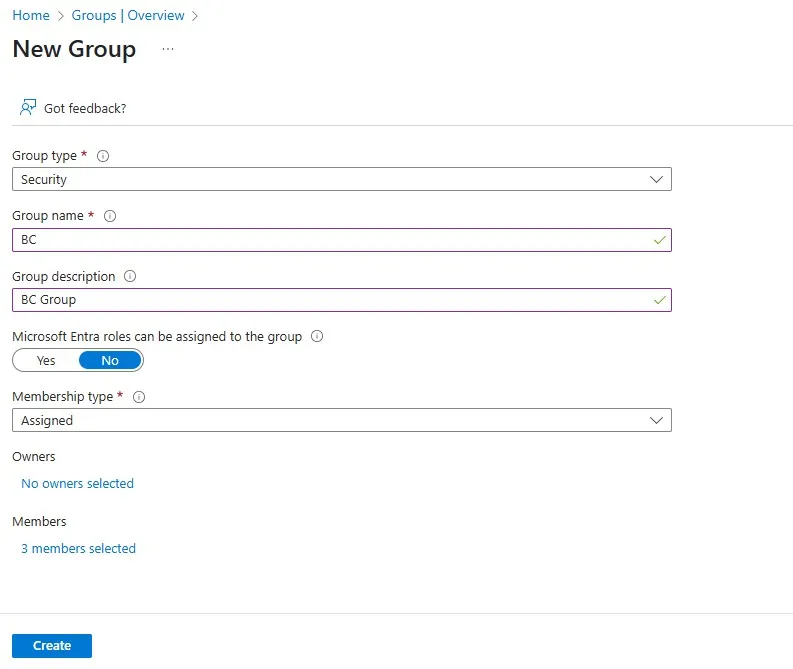
➡️ Create an Azure AD Security Group on the Azure Portal (if you don’t already have one) and add only the users who need access to it.
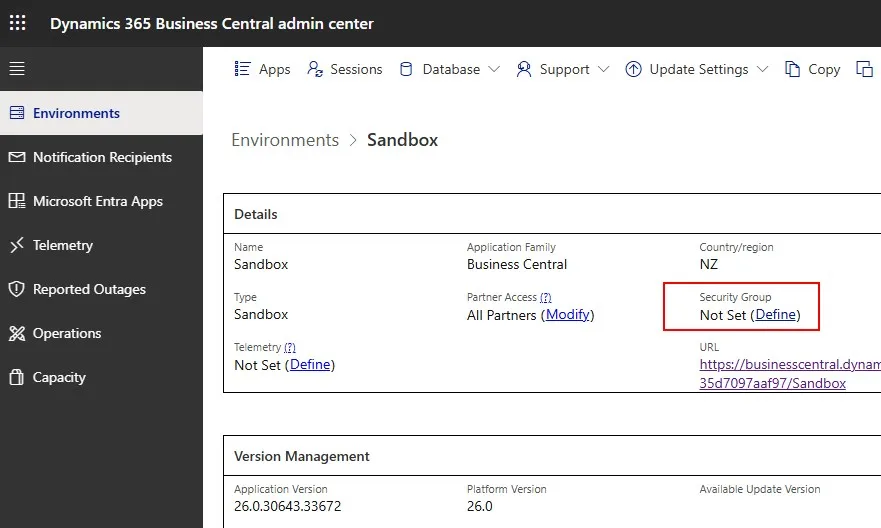
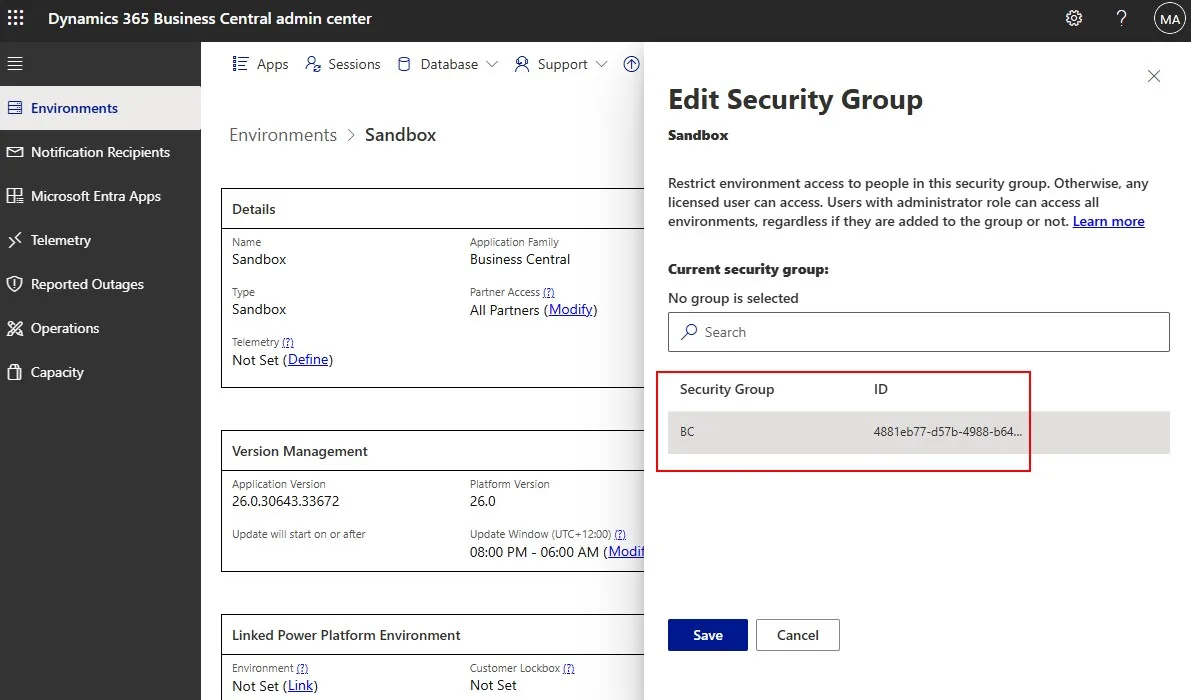
➡️ In the BC Admin Center, assign the Security Group for the environment.
➡️ Restart the environment.
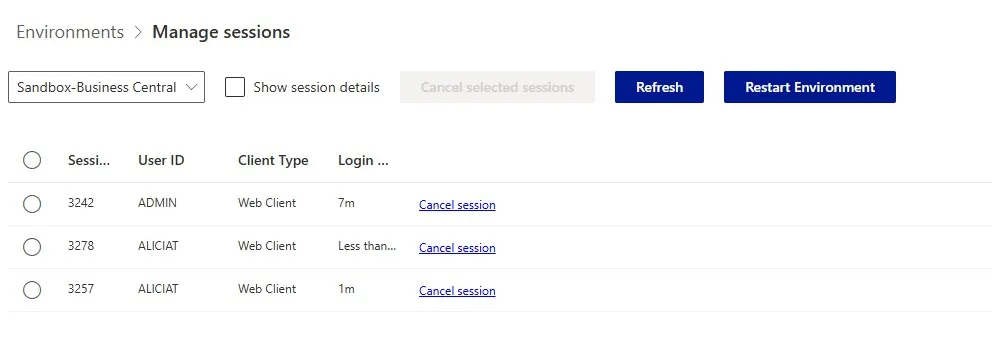
That’s it. Now, only members of the group can sign in.
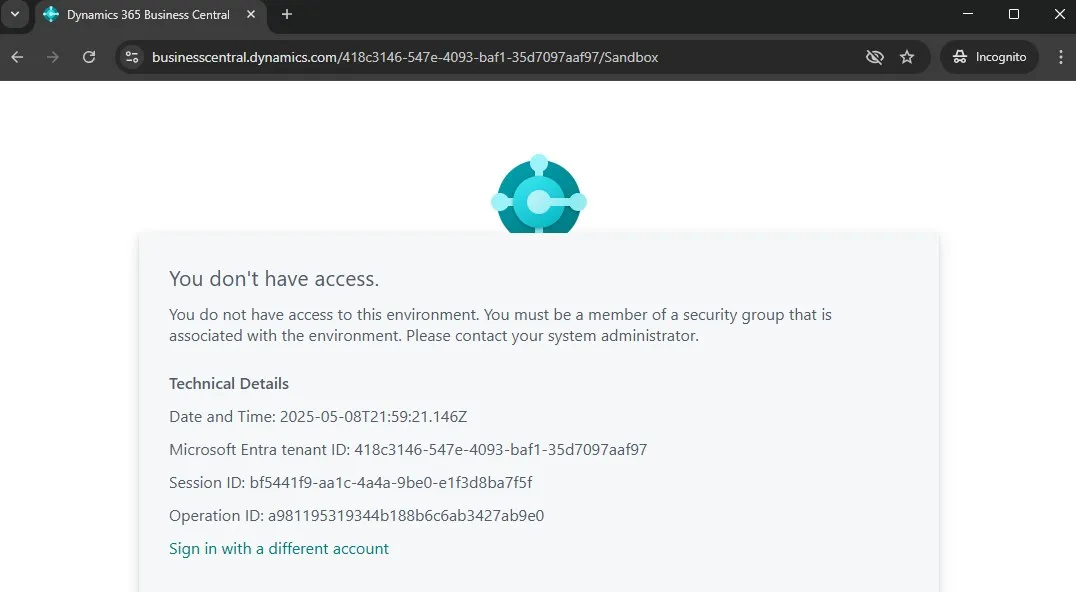
Why use it?
✅ Easy to set up.
✅ Easy to reuse across environments.
This can also be used to restrict sandbox access to testers only.
Repost to help others ♻️ and follow for more tips! 🚀