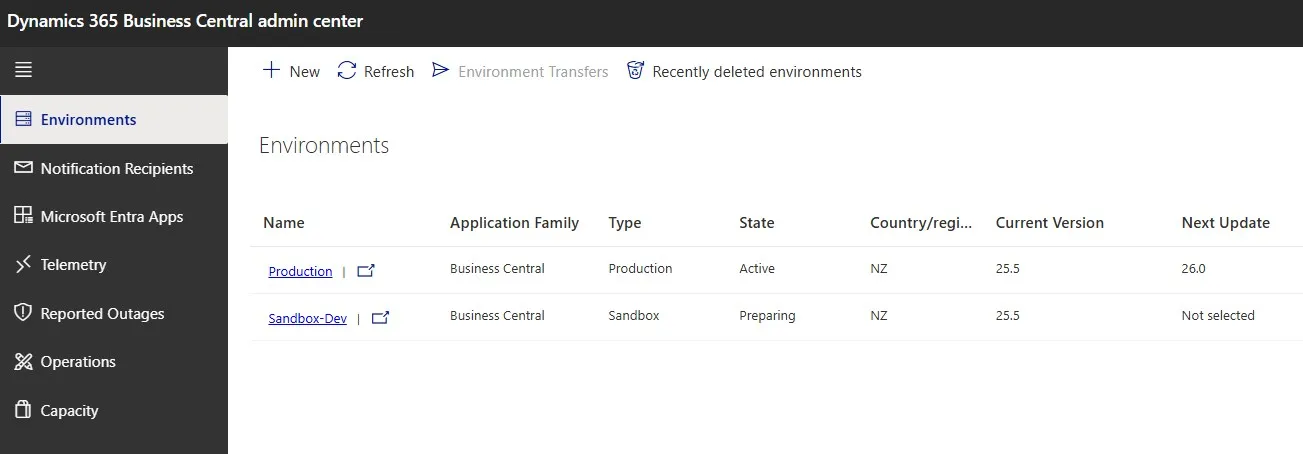
Happy #BCFridayTips for #msdyn365bc consultants!
Did someone accidentally delete important data in production?
If you no longer have a backup, you might still be able to recover it.
💡Business Central lets you restore an environment from a previous point in time. That means you can restore lost data by restoring a backup taken before the issue happened.
How to restore an environment:
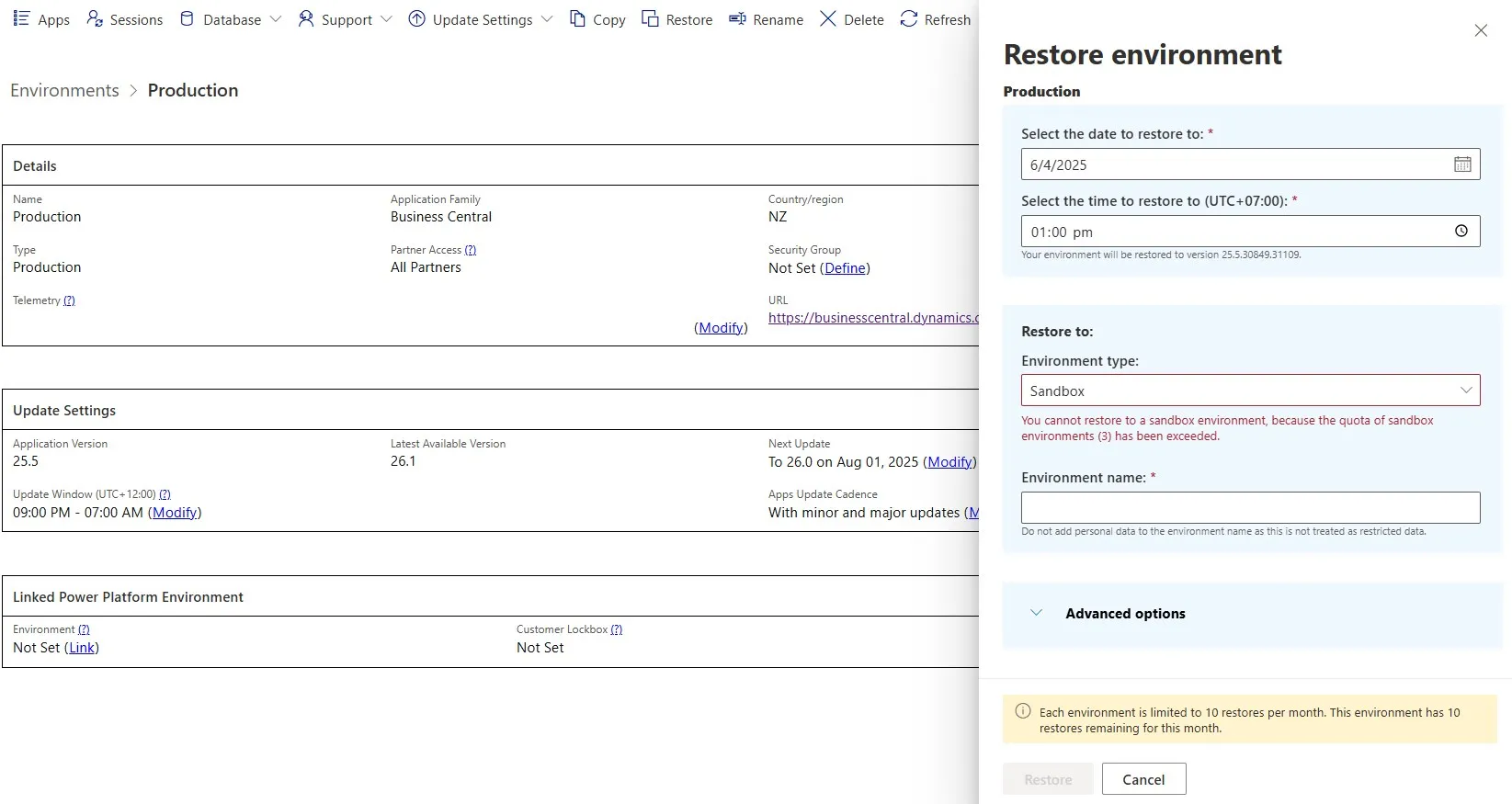
➡️ Go to the Admin Center and open the environment.
➡️ Select Restore.
➡️ Choose the date and time before the data was deleted.
➡️ Enter a name and type for the restored environment.
➡️ Confirm and click Restore.
Once the restore finishes, you can copy the data back to production.
Why use this feature?
✅ Easily recover deleted data
You can restore to any point in the past 28 days.
👉 Learn more: