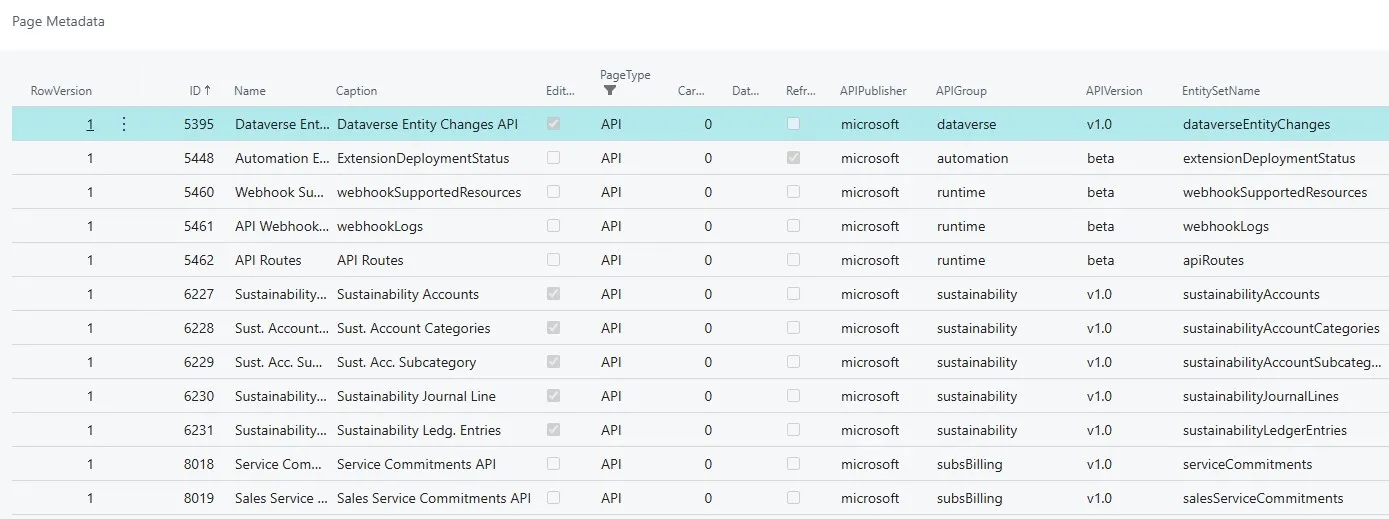
Do you need a quick way to see all available API pages in Microsoft Dynamics 365 Business Central? Here’s a simple trick that doesn’t require any development tools.
Use Page Metadata Table
Business Central stores metadata for all pages, including APIs, in Table 2000000138 - Page Metadata. You can use this table to get a list of all API pages in the system.
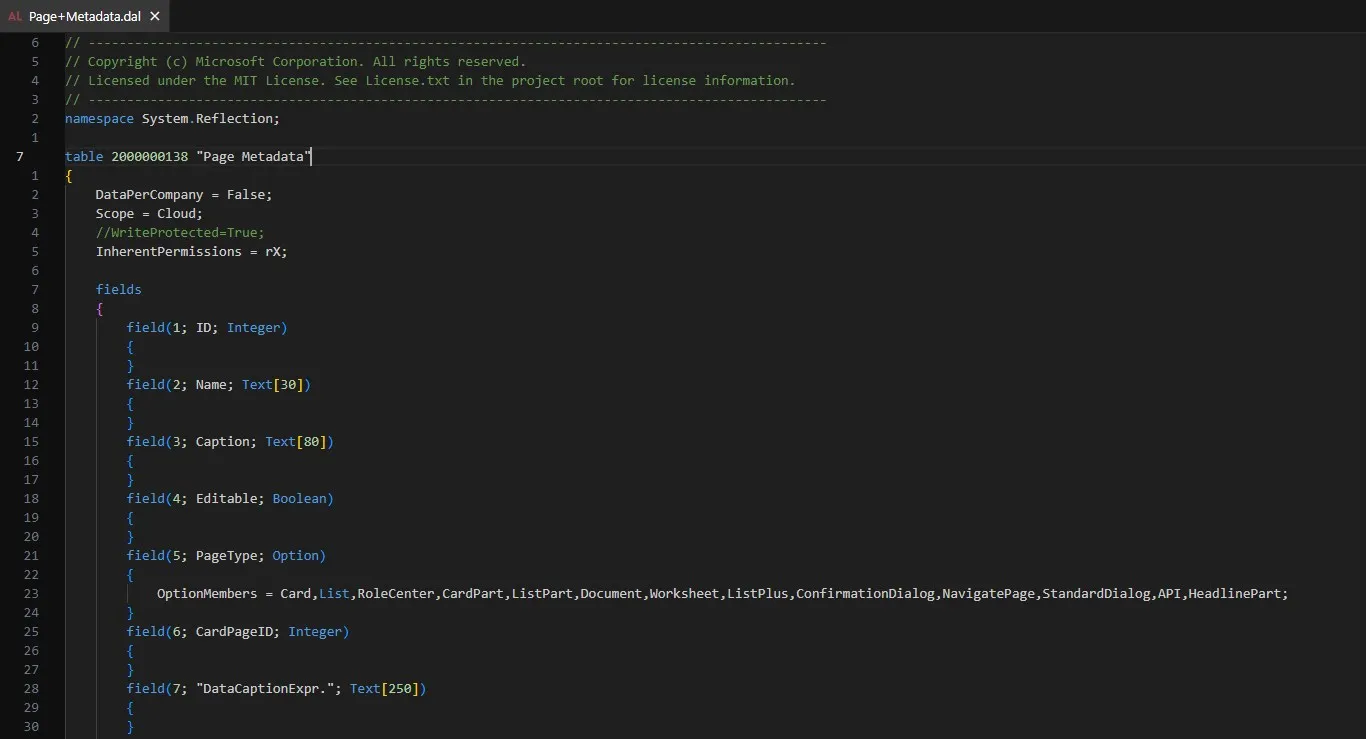
How to Access It
Add the following parameter to the Business Central URL:
?table=2000000138
Example
https://businesscentral.dynamics.com/Sandbox?table=2000000138
Once the table opens, filter the PageType field to show only API pages.
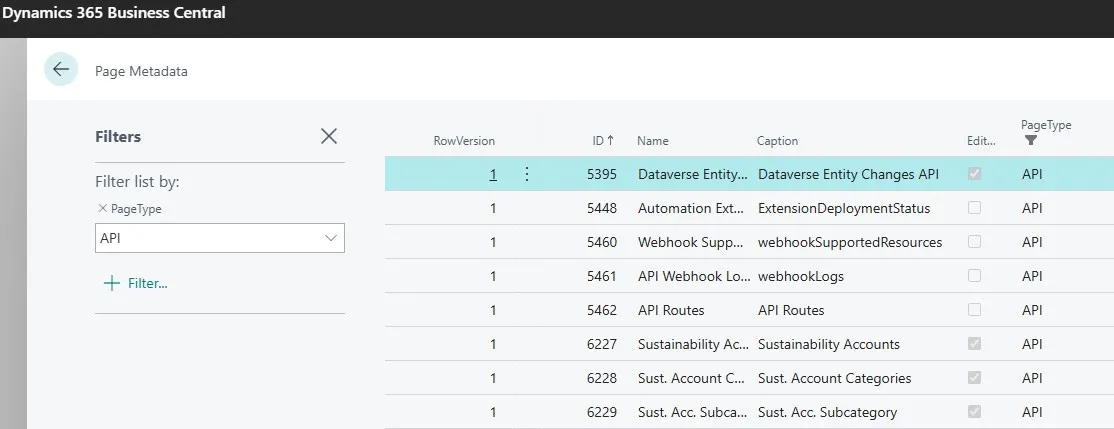
That’s it! You now have a full list of API pages available in your Business Central environment.
Give it a try.