D365 Business Central : Delete Special Characters in Text
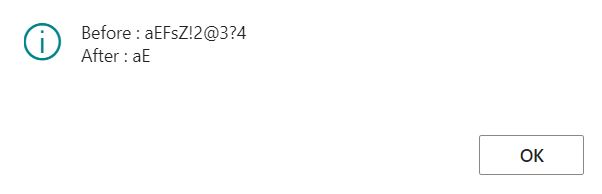
If you want to remove any specific characters in a text, such as removing -*!? characters, you can use below code. If you want to do it the other way around, such as keeping...
Anything about Microsoft Dynamics NAV and Microsoft Dynamics 365 Business Central Consultancy
If you want to remove any specific characters in a text, such as removing -*!? characters, you can use below code. If you want to do it the other way around, such as keeping...
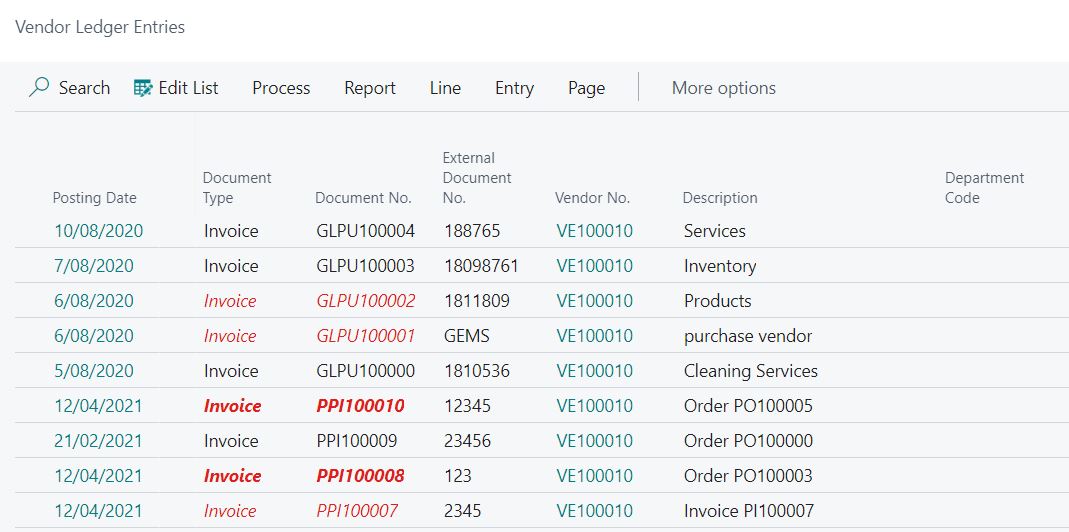
Highlighting your field can be a very helpful for your user. For example, overdue invoices are colored in red, so users can quickly recognize and pay more attention on those invoices. Business Central offers...
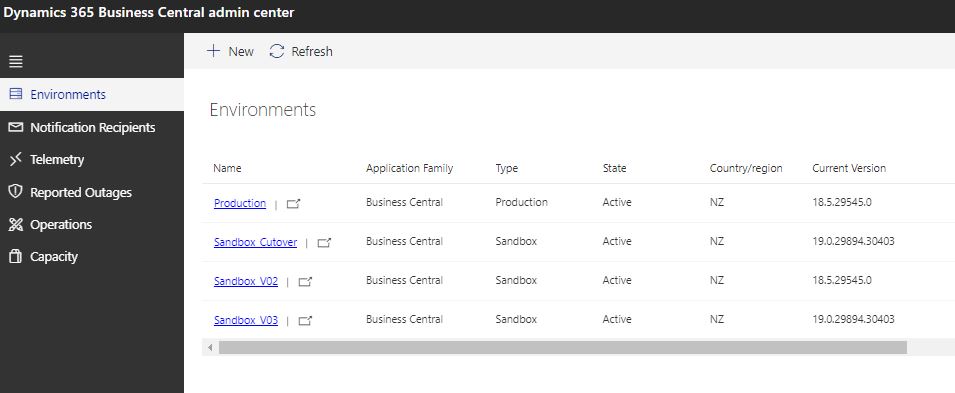
When a sandbox is created as a copy of a production environment, BC will do the following things automatically: The job queue is stopped Any base application integration settings are cleared Outbound HTTP calls...
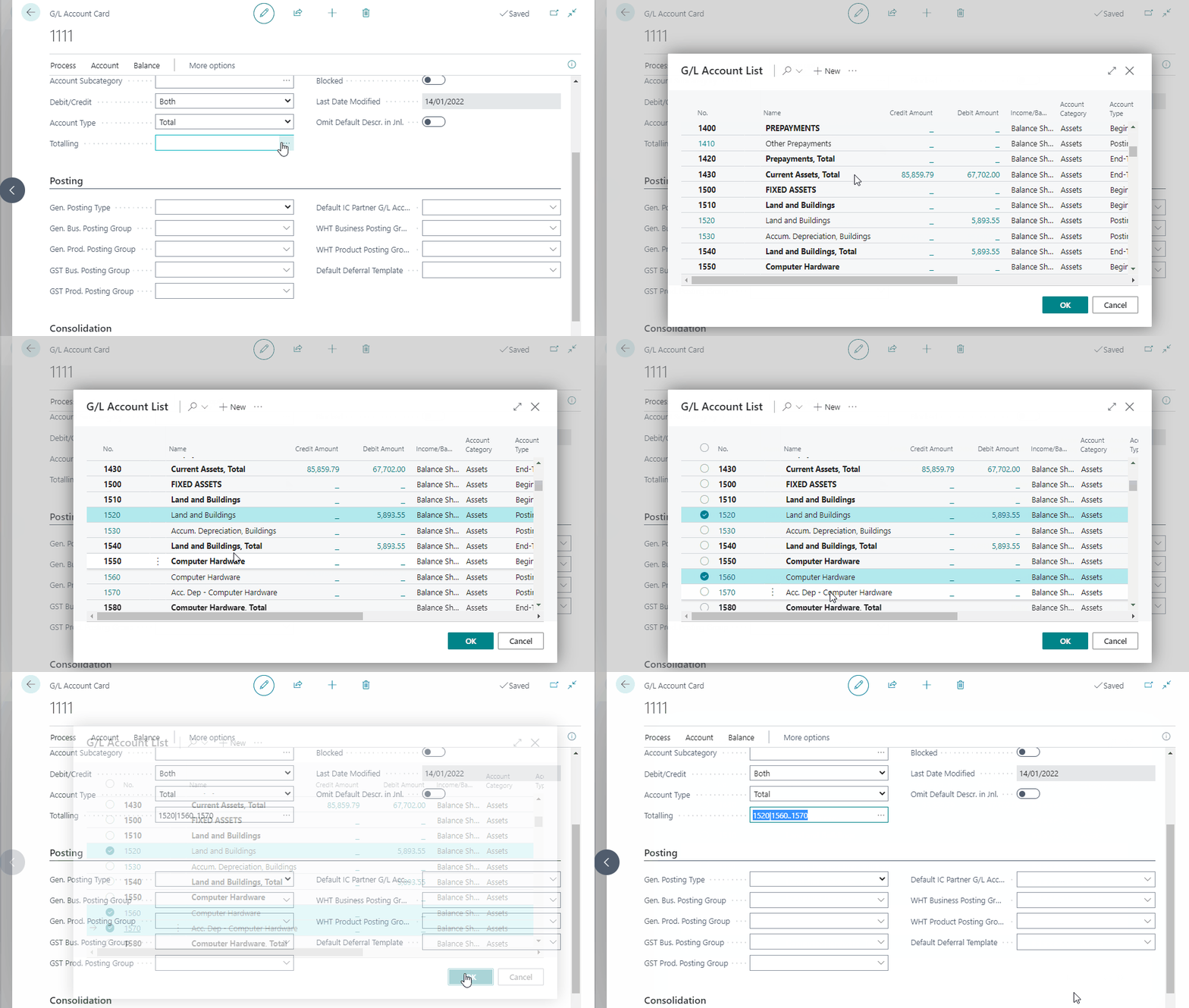
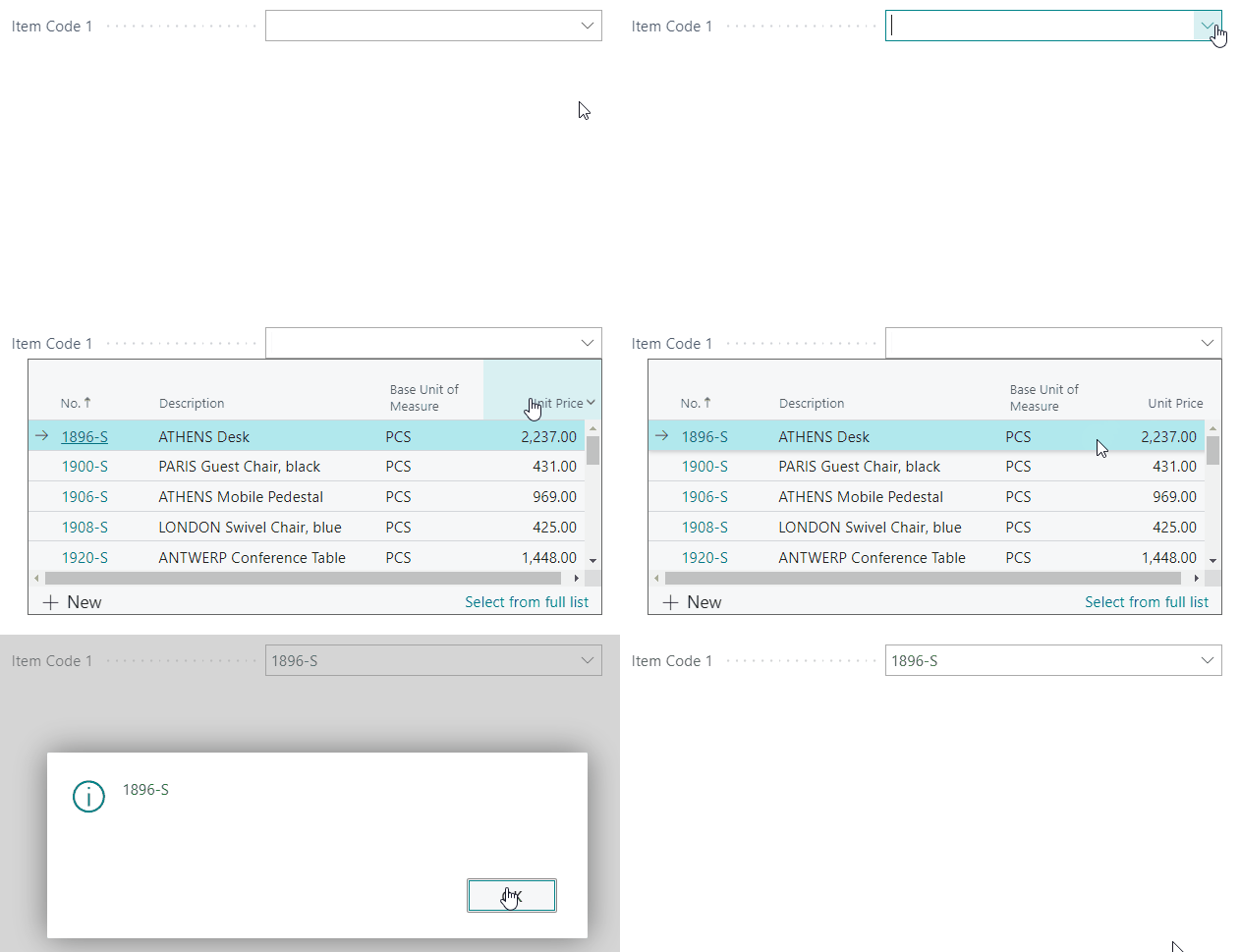
There are multiple ways in BC to create a Lookup button for a variable in a page or report. Generally speaking, I have seen three following methods being done to achieve the lookup button....
If you want to know, if a user accessing BC from a device, desktop, or API, you can use the Client Type. Let’s say for an example, you want to limit user modifying from...
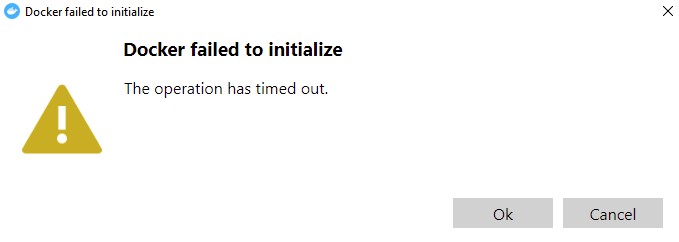
After updating the Docker Desktop to the latest version successfully, the docker was acting up and refused to start up. To fix this issue, try to delete below folders. %USERPROFILE%\AppData\Local\Docker%USERPROFILE%\AppData\Roaming\Docker%USERPROFILE%\AppData\Roaming\Docker Desktop Once deleted, you...
If you are working with hundreds of files in VS Code, you can easily navigate to that file by using “Ctrl + P” (Quick Open) and start typing in the file that you are...
To add total page number into RDLC report, you can use =Globals!TotalPages on the textbox. If you want to reset the Total Page, for example when you print a new Document No., you can...
If you want to export Item Picture into a file, you can use below code: DownloadFromStream(FileInStream, ”, ”, ”, FileName); However, if you try to export multiple pictures, BC will only export the last picture. This is...
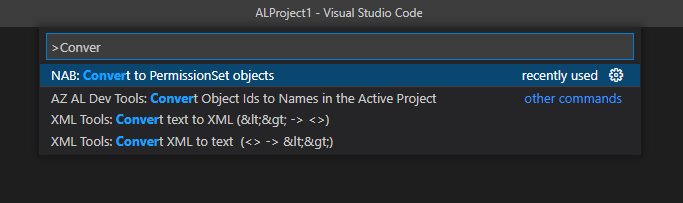
Starting from BC18 (2021 Wave 1), we can use Permission Set Object to write our app permission set. You can still use the XML permission, but we now have option to use Permission Set...

BC Friday Tips / D365 Business Central
BC Friday Tips #57 Use TestStatusOpen Procedure
21 November 2025