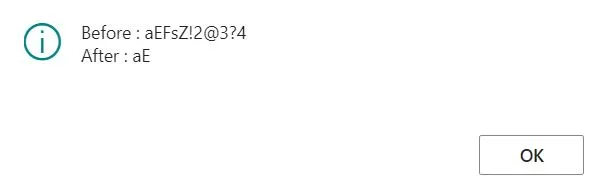
If you want to remove any specific characters in a text, such as removing -*!? characters, you can use below code.
NewText := DelChr(OldText, '=', '-*!?');If you want to do it the other way around, such as keeping only A-E characters and remove the rest, you can use below code.
NewText := DELCHR(OldText,'=',DELCHR(OldText,'=','ABCDEabcde'));