#BCFridayTips time for #msdyn365bc developers!
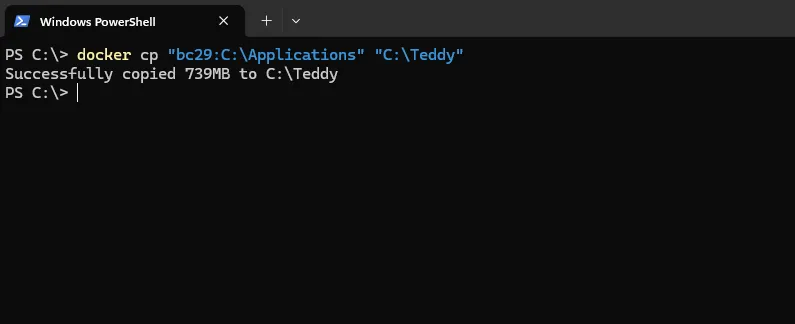
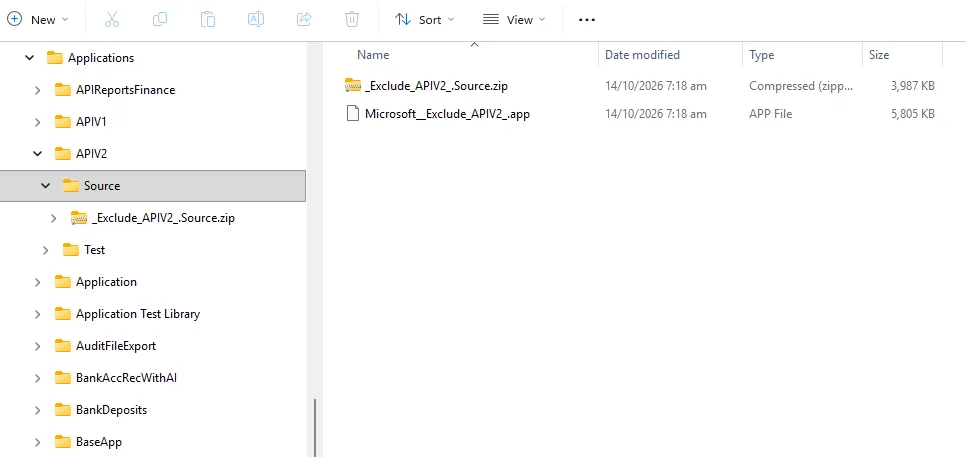
💡 Did you know you can easily copy the entire Applications folder from your Business Central docker container to your local PC?
Run this command in PowerShell, replacing Containername and TargetFolder with your container name and destination:
docker cp "Containername:C:\Applications" "C:\TargetFolder"Docker copies the folder and its contents to your destination.
Why does this matter?
✅ Quickly access the standard Microsoft apps and extensions locally.
A simple Docker command can make your everyday BC development easier.
Share to help others ♻️ and follow for more tips! 🚀