#BCFridayTips time for #msdyn365bc consultants and developers!
💡Did you know you don’t need to reload the entire VS Code window when an AL build fails with this error?
Build failed. The project with path 'c:\AL\MyProject' has not yet been loaded. Error: The package could not be created.
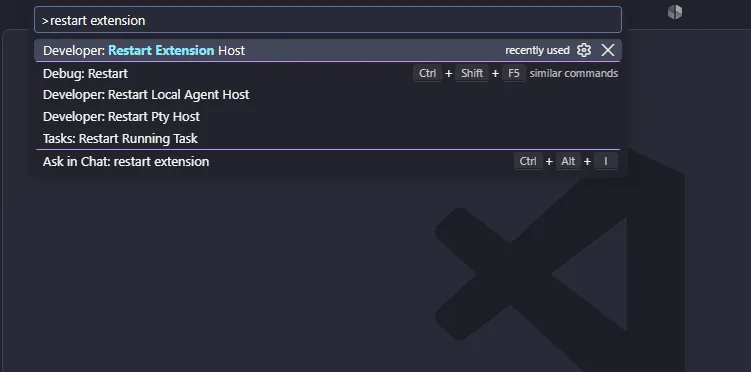
Try running Developer: Restart Extension Host from the Command Palette (Ctrl+Shift+P).
If the AL extension seems stuck, try this before reloading the window. This restarts the process that runs VS Code extensions, including the AL extension, while keeping the window open.
Why?
✅ Restart the extension host without reloading the whole window.
✅ Get back to your work with fewer interruptions.
Share to help others ♻️ and follow for more tips! 🚀