#BCFridayTips is here for #msdyn365bc developers!
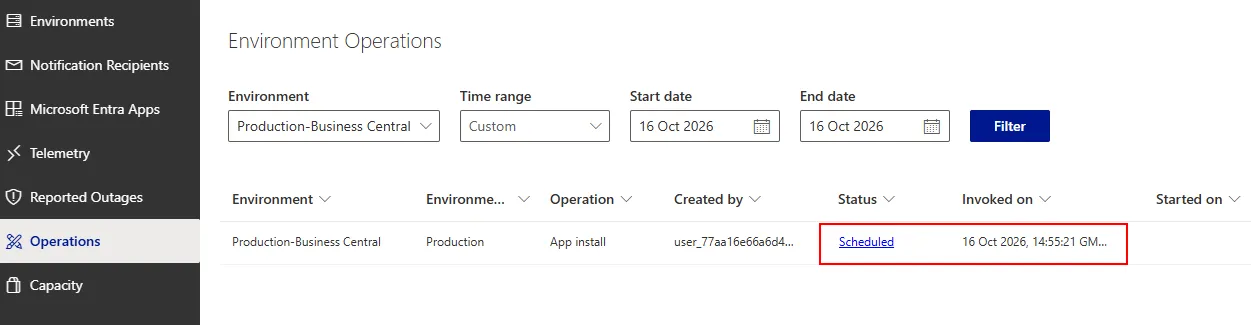
💡Did you know you can schedule PTE extension updates from the Business Central Admin Centre instead of deploying them manually outside business hours?
Here’s how:
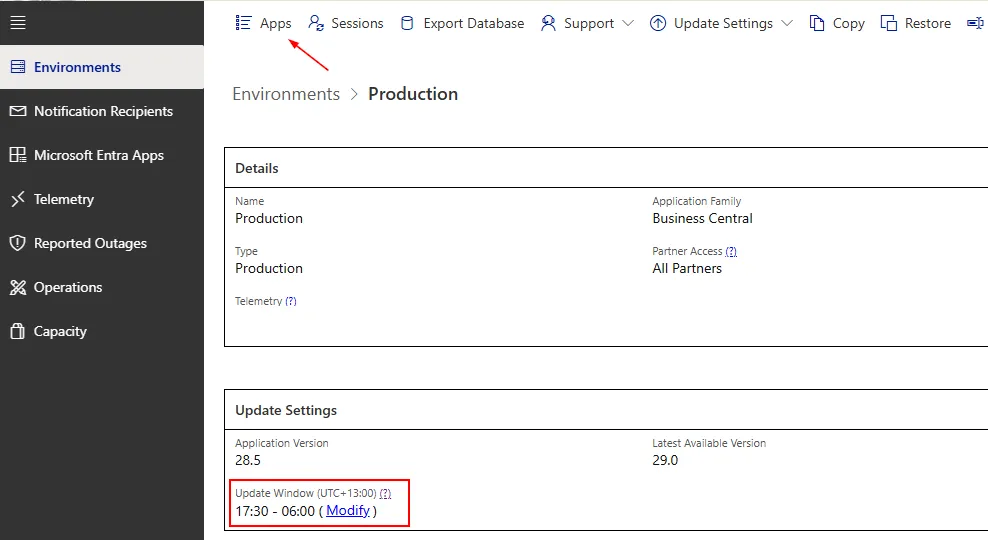
➡️ Set your environment’s update window to a time outside working hours.
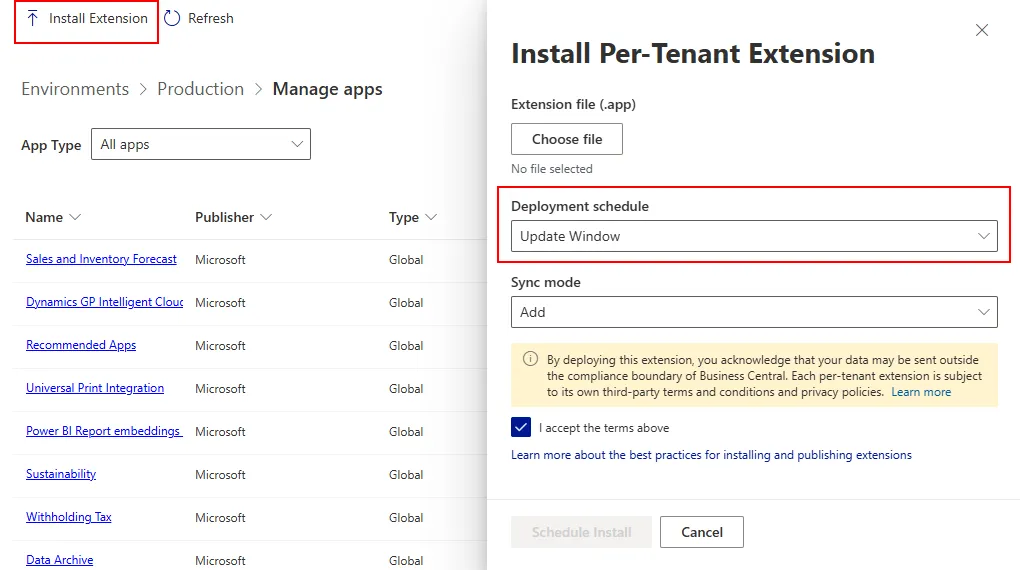
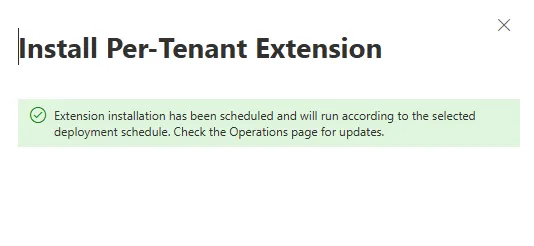
➡️ Upload your PTE extensions and schedule them for the next update window.
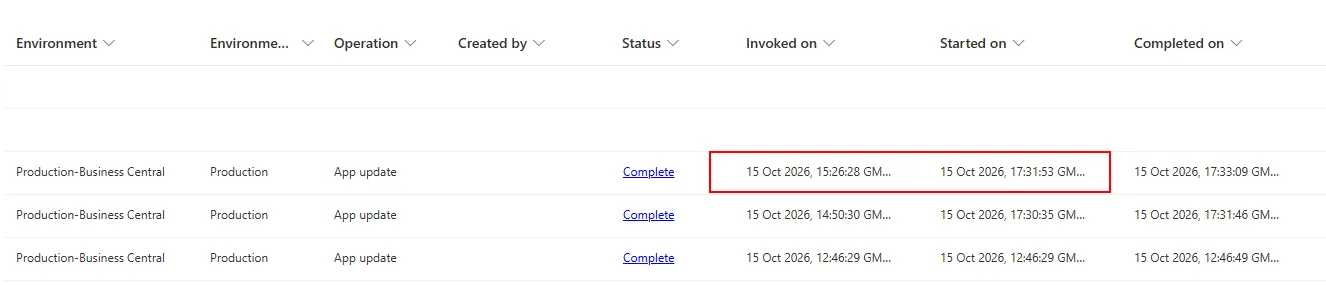
➡️ Business Central will deploy the extensions automatically during that window.
Why?
✅ No more staying up late or working after hours to deploy.
✅ Plan your deployments ahead and let Business Central handle the timing.
Save time. Plan ahead.
Share to help others ♻️ and follow for more tips! 🚀