#BCFridayTips is here for #msdyn365bc consultants!
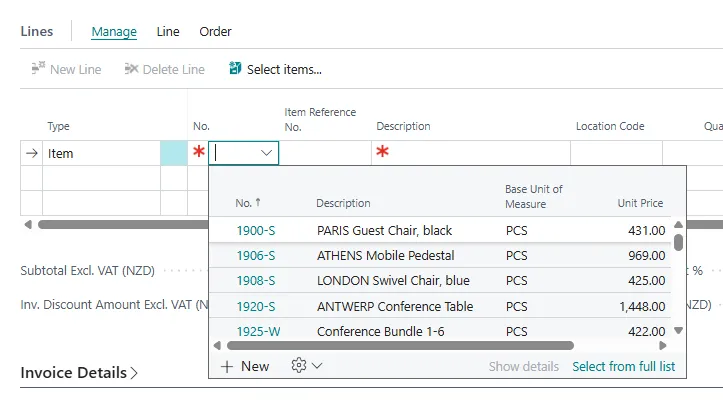
💡 Have you ever wondered why an item doesn’t appear in the Sales Line Item lookup?
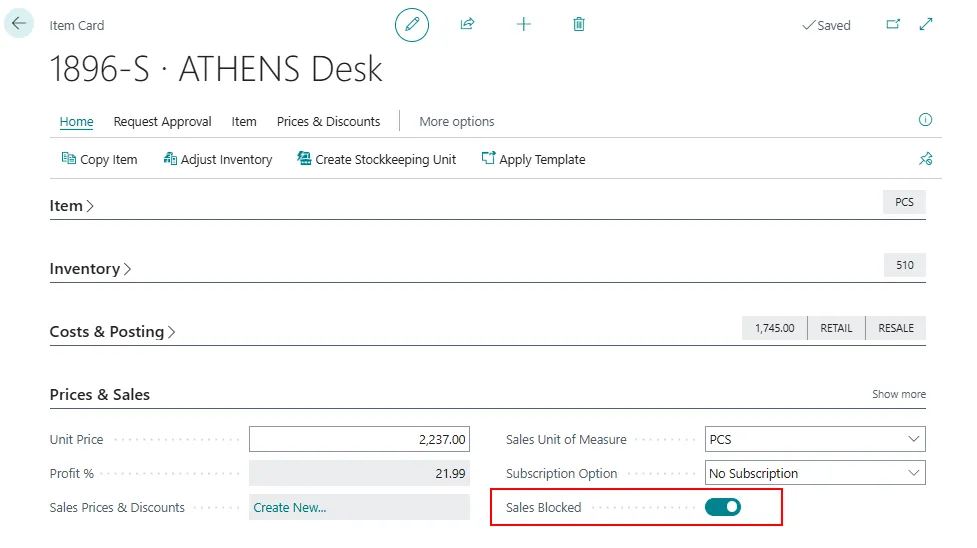
Check these two fields on the Item card:
➡️ Blocked ➡️ Sales Blocked
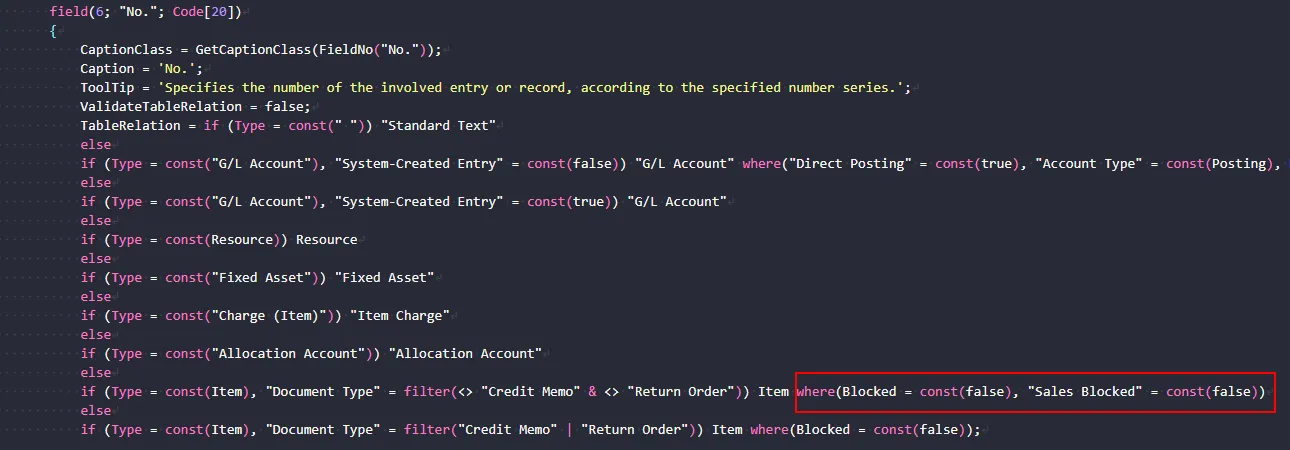
If either field is enabled, the item is filtered out of the standard Sales Line lookup.
Why this matter?
✅ Check these fields before debugging AL code.
✅ Quickly identify when standard Business Central filtering is the cause.
Sometimes, the answer is already in the standard application!
Share to help others ♻️ and follow for more tips! 🚀