#BCFridayTips is here for #msdyn365bc developers!
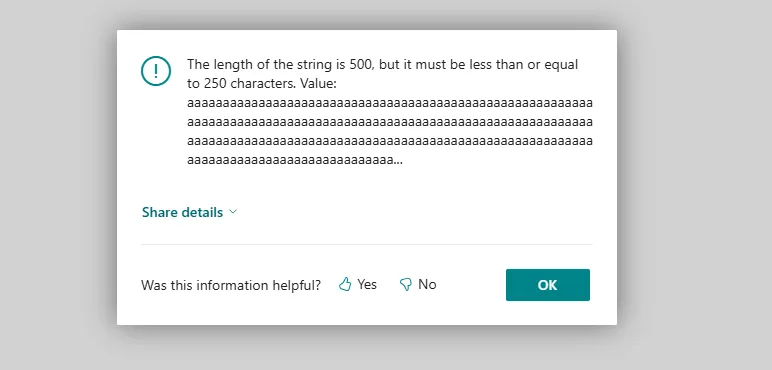
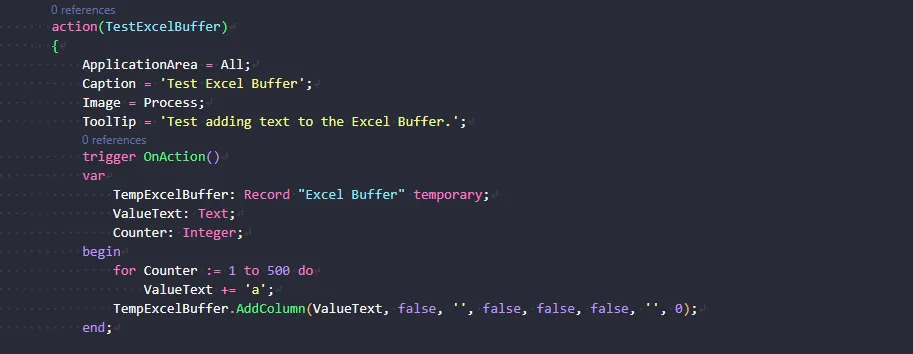
💡 Did you know the Excel Buffer has a character limitation?
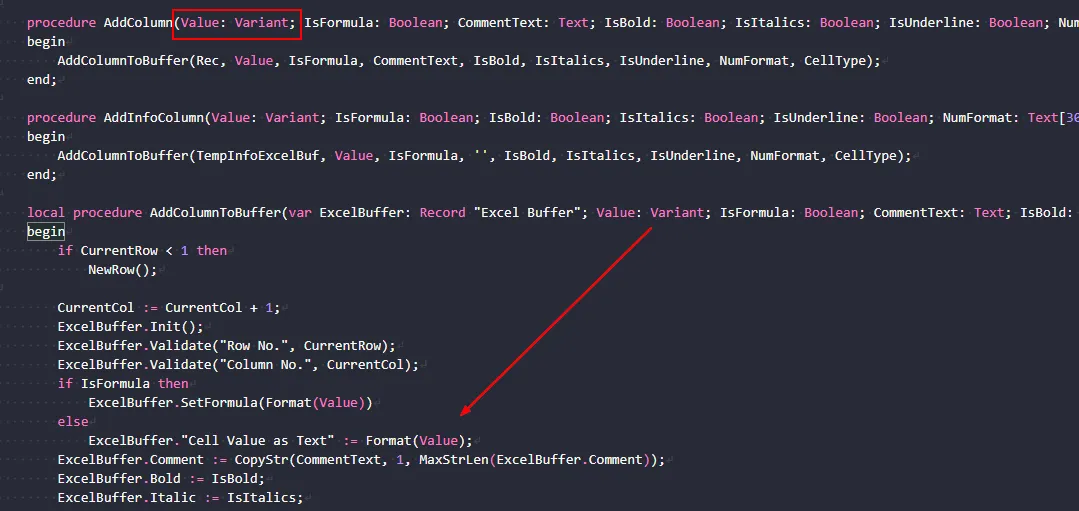
Even though the procedure does not make the limit obvious, the value is still limited by the underlying Excel Buffer field.
That field is limited to 250 characters.
If you try to write a longer value, Business Central throws an error instead of truncating it.
Why does this matter?
✅ Long text can cause your Excel export to fail.
✅ The procedure signature does not make the limitation obvious.
When an export can include long text, validate or shorten the value before writing it to Excel Buffer.

Share to help others ♻️ and follow for more tips! 🚀