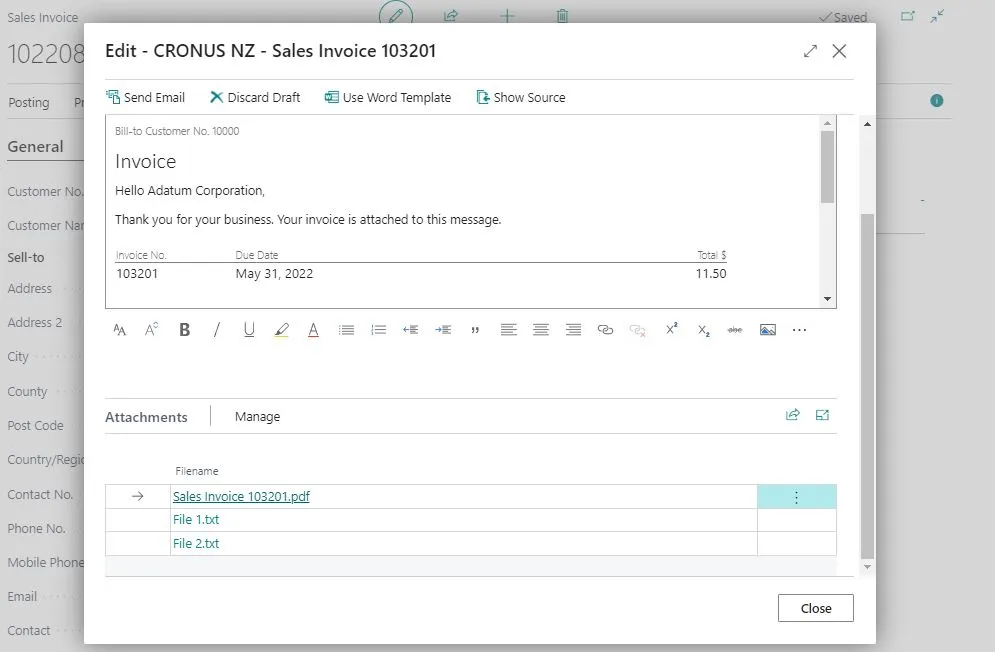
By standard, D365 Business Central can send posted sales invoice email to the customer. What if you want to include other files in the email as well ? I will describe it here on how to customize it to include all the attachments in the sales invoice email.
To achieve this is quite easy, you only need to subscribe to OnBeforeSendEmail on Codeunit Document-Mailing. You can then call the procedure to add the attachments to the Email Item.
[EventSubscriber(ObjectType::Codeunit, Codeunit::"Document-Mailing", 'OnBeforeSendEmail', '', false, false)]
local procedure DocumentMailing_OnBeforeSendEmail(var ReportUsage: Integer; var TempEmailItem: Record "Email Item"; var IsFromPostedDoc: Boolean; var PostedDocNo: Code[20])
begin
    If IsFromPostedDoc And (ReportUsage = Enum::"Report Selection Usage"::"S.Invoice".AsInteger()) then
        SendInvoiceAttachments(PostedDocNo, TempEmailItem);
end;

local procedure SendInvoiceAttachments(PostedSalesInvoiceNo: Code[20]; var TempEmailItem: Record "Email Item")
var
    DocumentAttachment: Record "Document Attachment";
    TempBlob: Codeunit "Temp Blob";
    FileInStream: InStream;
    FileOutStream: OutStream;
begin
    if PostedSalesInvoiceNo = '' then
        exit;

    DocumentAttachment.Reset();
    DocumentAttachment.SetRange("Table ID", Database::"Sales Invoice Header");
    DocumentAttachment.SetRange("No.", PostedSalesInvoiceNo);
    If DocumentAttachment.FindSet() then
        repeat
            If DocumentAttachment."Document Reference ID".HasValue then begin
                Clear(TempBlob);
                TempBlob.CreateOutStream(FileOutStream);
                TempBlob.CreateInStream(FileInStream);
                DocumentAttachment."Document Reference ID".ExportStream(FileOutStream);
                TempEmailItem.AddAttachment(FileInStream, DocumentAttachment."File Name" + '.' + DocumentAttachment."File Extension");
            end;
        until DocumentAttachment.Next() = 0;
end;
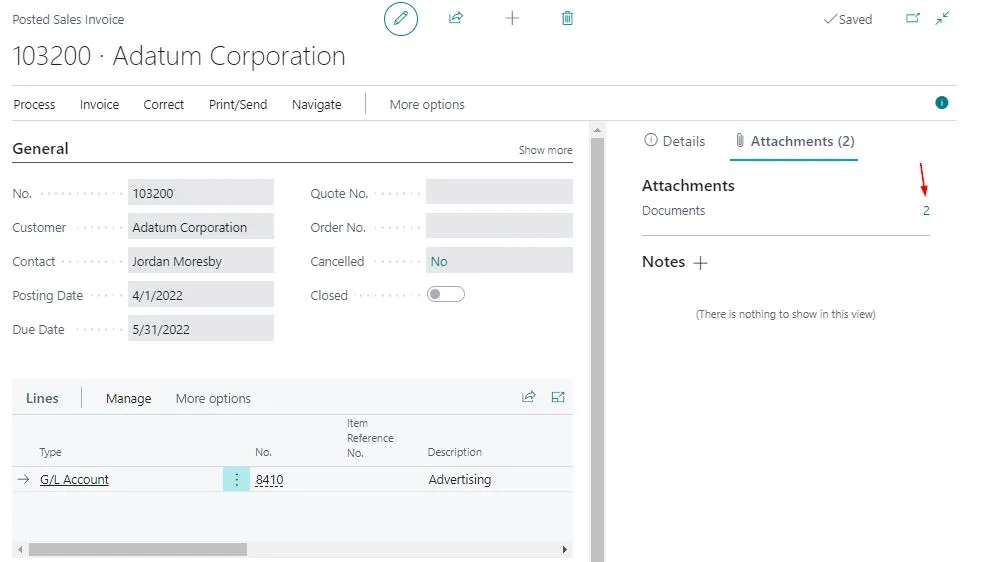
Let’s see how it works. Here we have posted sales invoice with two attachments.
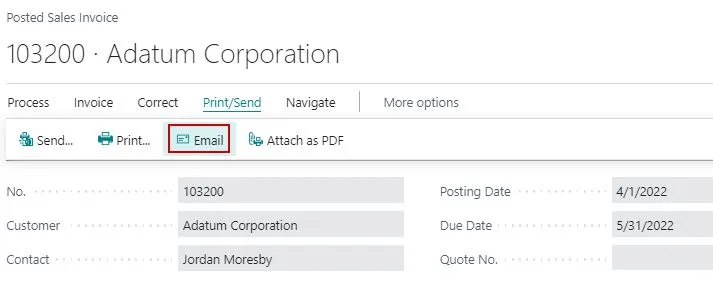
Let’s try to send email, using the Email action.
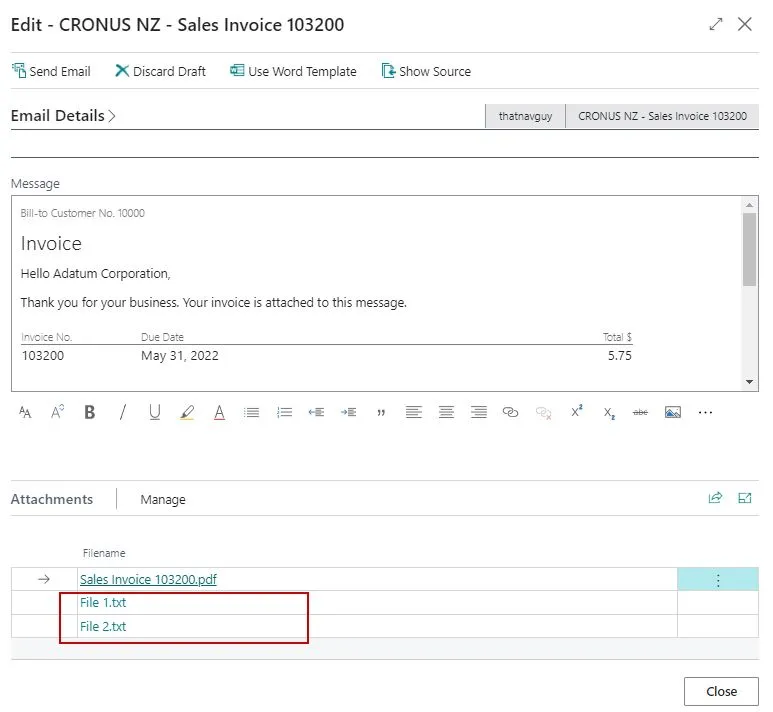
We can see that the two attachments are included in the email.
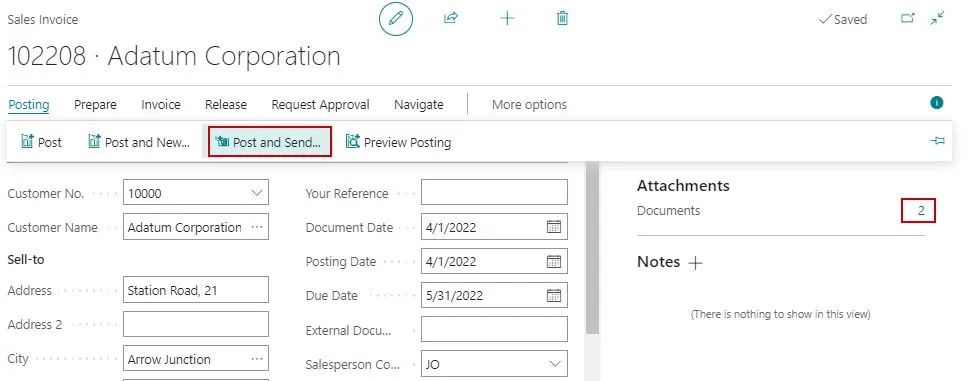
This method also works when you do Post and Send from sales documents. It will post and send the email with the attachments.
That’s it ! Hope that helps you if you need to send invoice with the attachments.