BC Friday Tips #67 Reset Page Number in RDLC
BCFridayTips is here for msdyn365bc developers!
💡Need page numbers to restart per group in RDLC?
Anything about Microsoft Dynamics NAV and Microsoft Dynamics 365 Business Central Consultancy
Reporting
BCFridayTips is here for msdyn365bc developers!
💡Need page numbers to restart per group in RDLC?
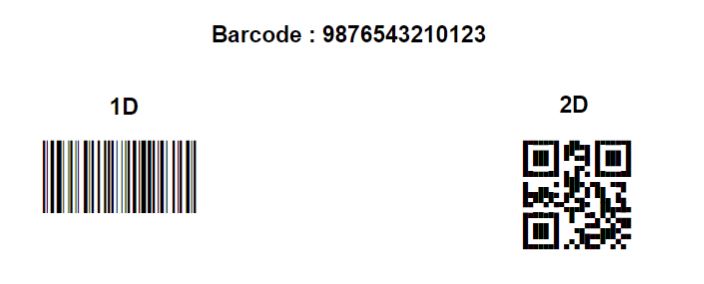
Microsoft recently added support for printing 2D barcode. If you are on cloud, you don’t need to purchase the barcode font because Microsoft has already provided and licensed them for you. The cloud font...
Apart from Open in Excel or Copy Paste, there is another way to get your data from D365 Business Central to Excel using OData feed. After pulling the data from BC to Excel, you...
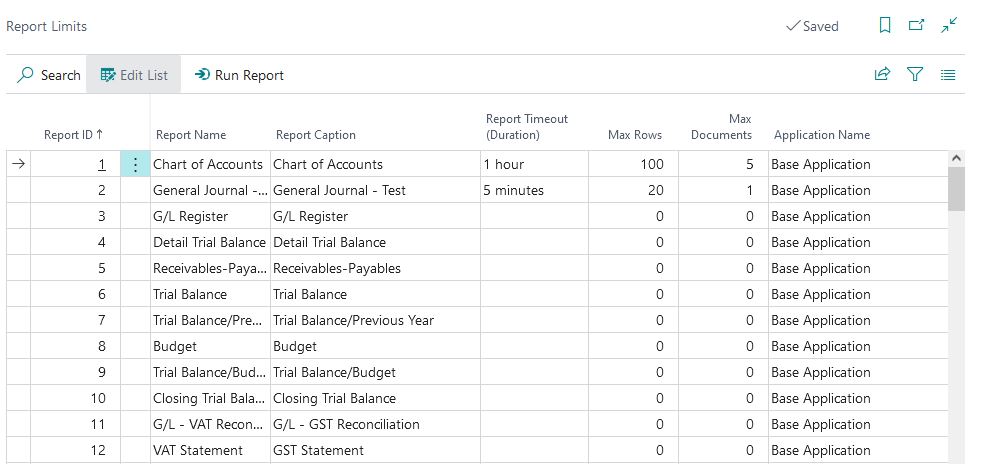
To ensure the availability and quality of Business Central services, Microsoft put a certain limitation on the reports, such as Max Execution Timeout to prevent report running continuously for days. You can see this...
To add total page number into RDLC report, you can use =Globals!TotalPages on the textbox. If you want to reset the Total Page, for example when you print a new Document No., you can...
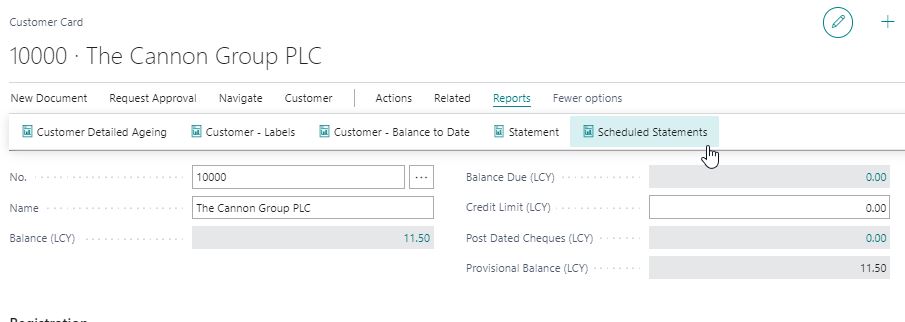
One of the requirements that users asked is the ability to batch email customer statement. Since there is no standard way of doing this in NAV or BC, we always ended up developing an...
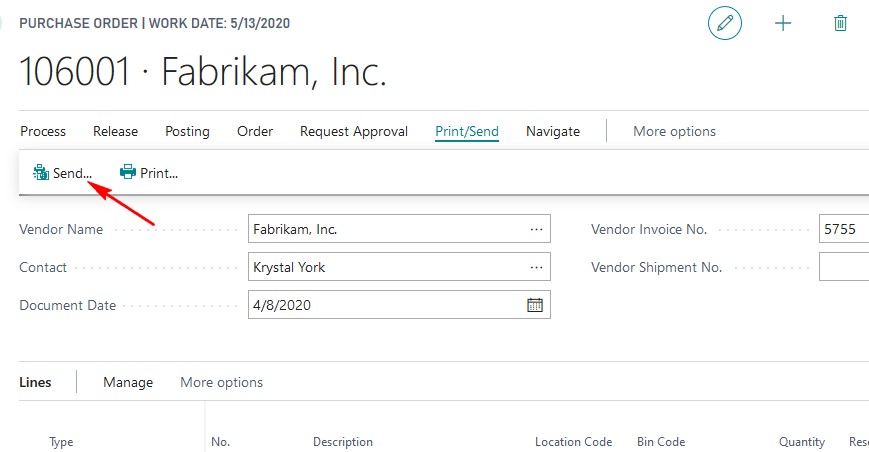
Dynamics 365 Business Central has the capability to send purchase or sales document straight from the document. D365BC will try to send an email with the standard email body template. What if we want...
By standard, Business Central already includes reports that you can use out of the box. Sometimes, the standard report is not enough. You need more fields, more columns, different layouts, different calculations, etc. You...