If your Business Central recently got upgraded to 16.0 and you suddenly lost access to exporting data to Excel, that is because Microsoft introduces capability to turn off “Export to Excel” function.
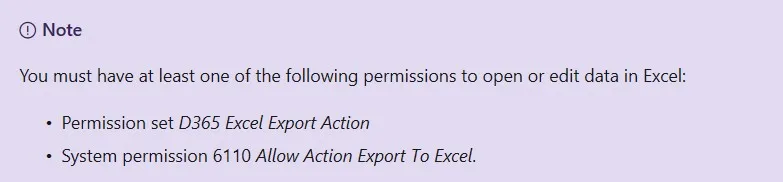
What you can do is manually add the “D365 Excel Export Action” Permission Set to relevant permission sets or user groups.
More information on this link.