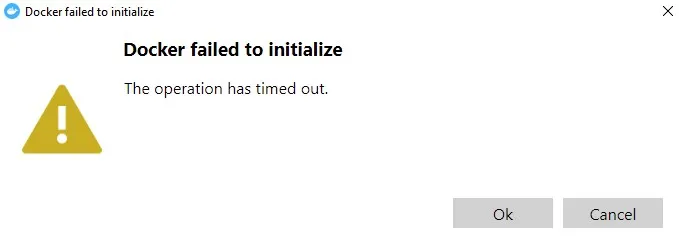
After updating the Docker Desktop to the latest version successfully, the docker was acting up and refused to start up. To fix this issue, try to delete below folders.
%USERPROFILE%\AppData\Local\Docker
%USERPROFILE%\AppData\Roaming\Docker
%USERPROFILE%\AppData\Roaming\Docker Desktop
Once deleted, you should be able to start Docker Desktop as normal.
If the docker is stuck at starting, run below two commands in powershell.
wsl --unregister docker-desktop
wsl --unregister docker-desktop-data