Here a BC Friday Tips for msdyn365bc developers.
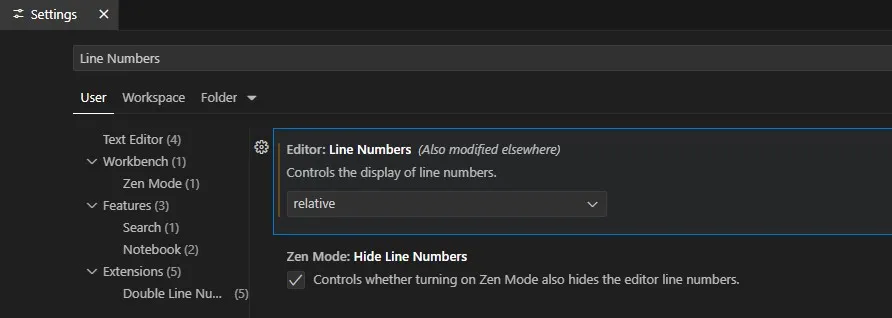
Switch your Line Numbers to Relative in VS Code.
Why?
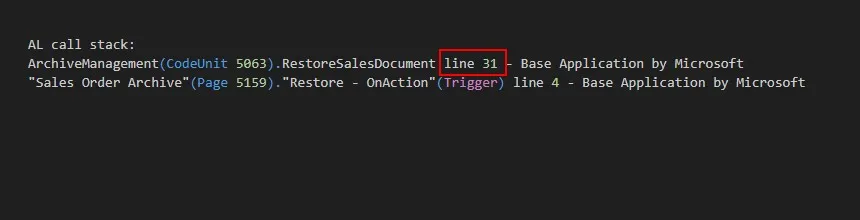
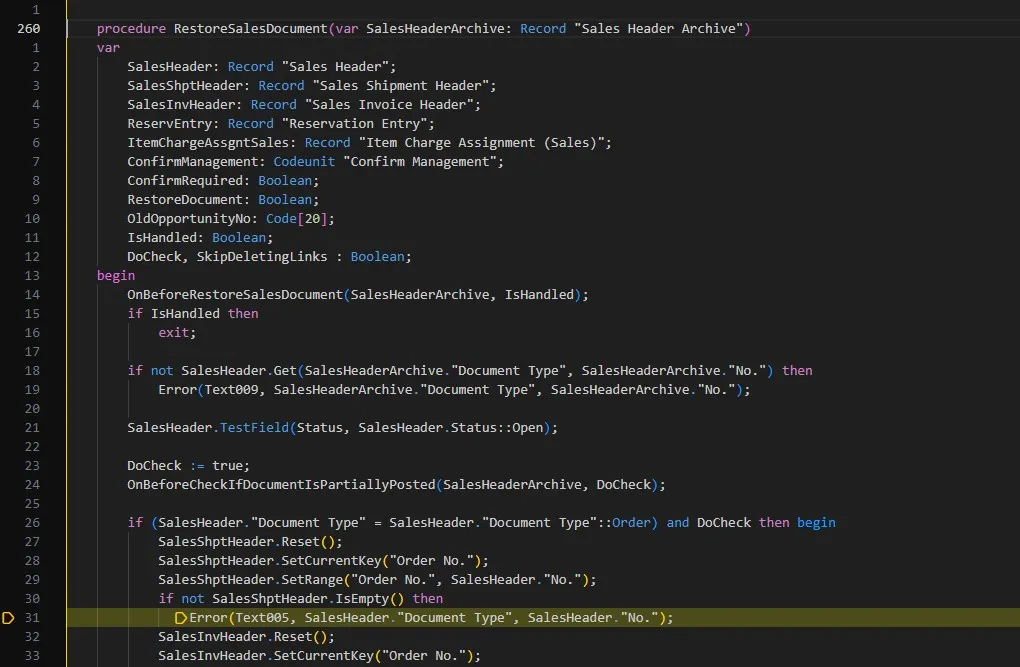
✅ Easier debugging. You can navigate to the related code easily by looking at the line number in AL call stack without running the debugger.
Bonus tip: Add the “𝗗𝗼𝘂𝗯𝗹𝗲 𝗟𝗶𝗻𝗲 𝗡𝘂𝗺𝗯𝗲𝗿𝘀” extension in VS Code to display both absolute and relative line numbers.
Try it out and share your thoughts.