Skip to content

That NAV Guy

  • Home
  • D365 Business Central
  • BC Friday Tips
  • UX Series
  • Functional
  • Development
  • About
  • BC Resources

That NAV Guy

Anything about Microsoft Dynamics NAV and Microsoft Dynamics 365 Business Central Consultancy

  • Home
  • D365 Business Central
  • BC Friday Tips
  • UX Series
  • Functional
  • Development
  • About
  • BC Resources
2

D365 Business Central

3 December 2021

 by thatnavguy

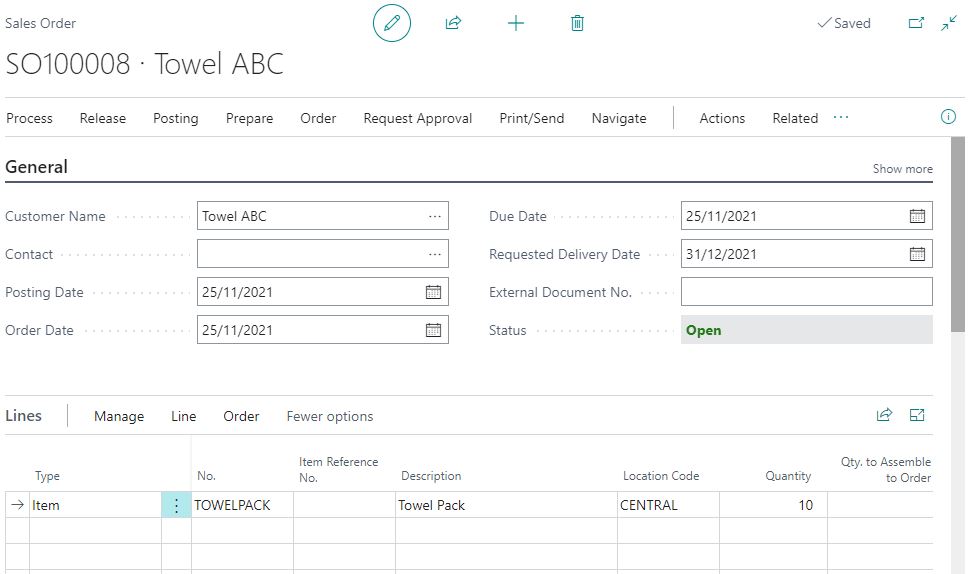
D365 Business Central : Sales Order Dates

There are a lot of date fields on sales orders. The dates can be confusing, especially the dates on the Sales Lines. However, if used correctly, you can use these dates to improve your...

2

D365 Business Central

29 November 2021

 by thatnavguy

D365 Business Central : Vendor Lead Time vs Item Lead Time

In Business Central, you can put a lead time against Vendor or Item card. One of my clients was asking what will happen if you put lead time on both Vendor and Item card....

3

D365 Business Central

26 November 2021

 by thatnavguy

Where is Edit/Open in Excel in BC19?

Dynamics 365 Business Central has recently been updated to October 2021 Wave 2 update. If you are wondering why you can no longer find Edit/Open in Excel, you are not alone. But don’t worry...

1

D365 Business Central

25 November 2021

 by thatnavguy

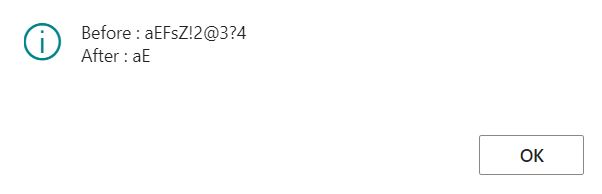
D365 Business Central : Delete Special Characters in Text

If you want to remove any specific characters in a text, such as removing -*!? characters, you can use below code. If you want to do it the other way around, such as keeping...

3

D365 Business Central

19 November 2021

 by thatnavguy

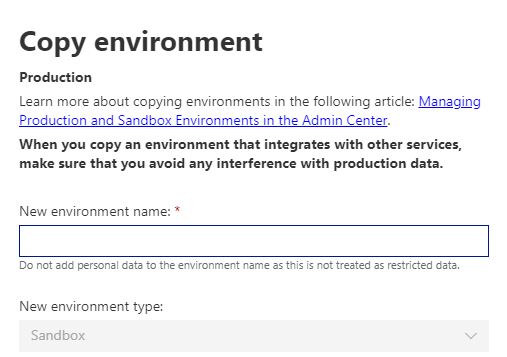
D365 Business Central : Copy Production to Sandbox (the new way)

We used to be able to create a copy of production to sandbox under New button. I noticed this morning that the option is no longer there. Microsoft has moved the option to the...

2

D365 Business Central

18 November 2021

 by thatnavguy

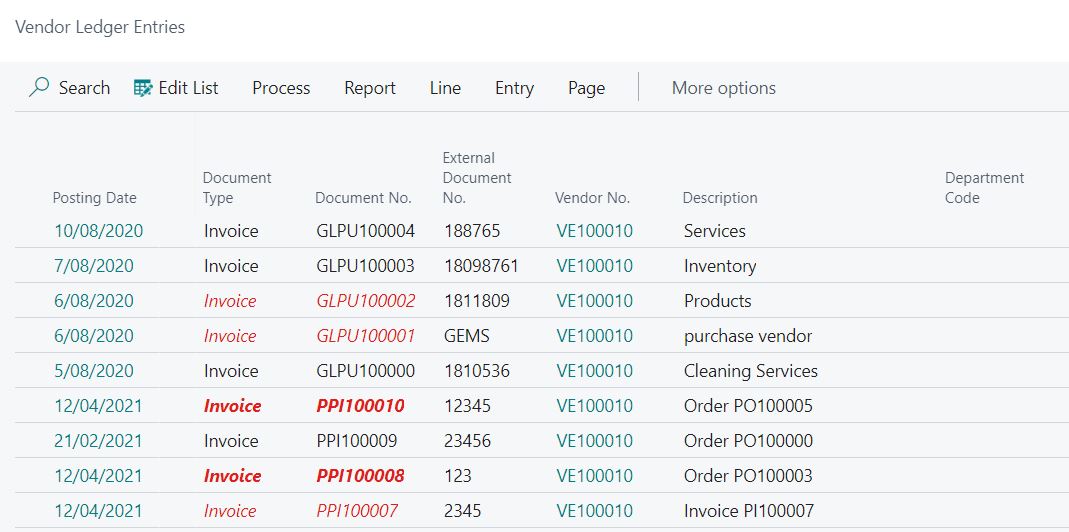
D365 Business Central : Style Color

Highlighting your field can be a very helpful for your user. For example, overdue invoices are colored in red, so users can quickly recognize and pay more attention on those invoices. Business Central offers...

1

D365 Business Central

14 November 2021

 by thatnavguy

D365 Business Central : Page Inspection

The page inspection feature enables you to get details about a page, providing insight into the page design, the different elements that comprise the page, and the source behind the data it displays. Page...

1

D365 Business Central

9 November 2021

 by thatnavguy

D365 Business Central : Report Limit

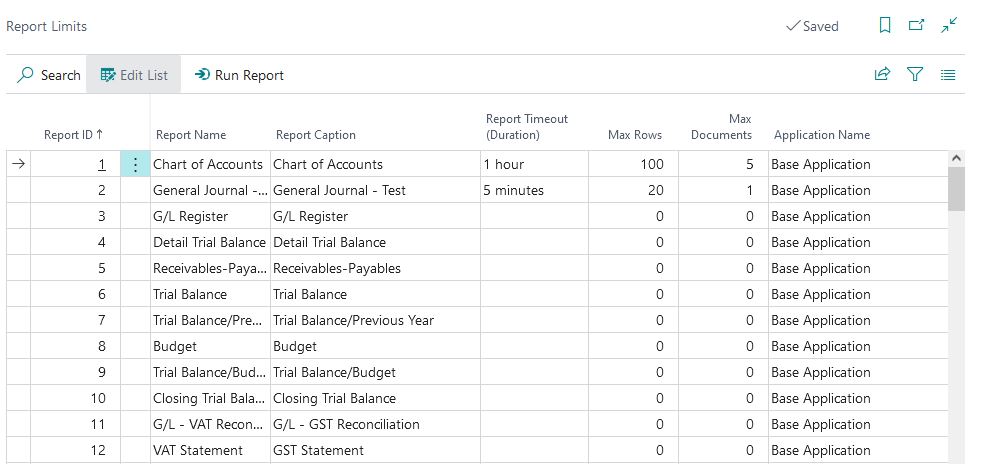
To ensure the availability and quality of Business Central services, Microsoft put a certain limitation on the reports, such as Max Execution Timeout to prevent report running continuously for days. You can see this...

1

D365 Business Central

6 November 2021

 by thatnavguy

D365 Business Central : Sandbox Cleanup Event

When a sandbox is created as a copy of a production environment, BC will do the following things automatically: The job queue is stopped Any base application integration settings are cleared Outbound HTTP calls...

1

D365 Business Central

20 October 2021

 by thatnavguy

D365 Business Central : Red Color in User Permission Set

After upgrading to BC19, I noticed that some user permission sets are highlighted in red. Checking on the code reveals that Microsoft added new Style and StyleExpr on the field. The permission sets are...

  • « Previous Page
  • Next Page »

Follow:

  • AI
  • Azure
  • Be Better
  • D365 Business Central
    • BC Friday Tips
    • UX Series
  • Dynamics NAV
  • PowerShell
  • VS Code

  • Popular Posts
  • Tags
  • Recent Comments
  • Recent Posts
  • BC Friday Tips / D365 Business Central

    BC Friday Tips #62 VS Code AL Themes

    23 January 2026

  • BC Friday Tips / D365 Business Central

    BC Friday Tips #61 Check AppSource App Update History

    16 January 2026

  • BC Friday Tips / D365 Business Central

    BC Friday Tips #60 DevToys

    12 December 2025

  • BC Friday Tips / D365 Business Central

    BC Friday Tips #59 Allocation Account Design

    5 December 2025

  • BC Friday Tips / D365 Business Central

    BC Friday Tips #58 Spotting Report with SaveValues

    28 November 2025

  • D365 Business Central / UX Series

    Progress Dialog: Making Business Central Responsive

    7 October 2025

  • BC Friday Tips / D365 Business Central

    BC Friday Tips #25 Use Build-in Methods

    21 March 2025

  • BC Friday Tips / D365 Business Central

    BC Friday Tips #53 Areopa Webinars

    24 October 2025

  • D365 Business Central / UX Series

    How to Write a Good Success Message

    15 July 2025

  • BC Friday Tips / D365 Business Central

    BC Friday Tips #31 Block Users using Security Group

    9 May 2025

  • Claus says:
    Dear Nav Guy Thanks for all your tips and trick, bút...
  • thatnavguy says:
    That's a good point. The GUIALLOWED is a must have for...
  • Gyula Csiak says:
    Great Post! Another advice is to use GUIALLOWED to check, if...
  • Progress Dialog: Making Business Central Responsive - That NAV Guy says:
    […] prevent this. One option is to have a successful message.
  • user-072026 says:
    awesome
  • Administration AI AL / CAL Approval AppSource BC20 Closer Look Copilot Design Development Dimension Docker Edit in Excel Error and Troubleshoot Extension Feedback Finance Free Apps Functional GitHub Copilot Hidden Features InStream OutStream Integration Inventory Licensing NAV2018 Performance Permission Posting Production Purchasing Report Reporting Reservation Sales Sample Code Service Speaking Theme Tips and Trick Upgrade UX UX Design VSCode Web Services API

Site Links

  • Home
  • D365 Business Central
  • BC Friday Tips
  • UX Series
  • Functional
  • Development
  • About
  • BC Resources

<strong>About That NAV Guy®</strong>

That NAV Guy is a resource site for anything related to Microsoft Dynamics NAV or Dynamics 365 Business Central. It was founded by Teddy Herryanto in November 2019. The main goal of this site is to document and share information, tips, and tricks for D365 Business Central.

Teddy Herryanto © 2026. All Rights Reserved.