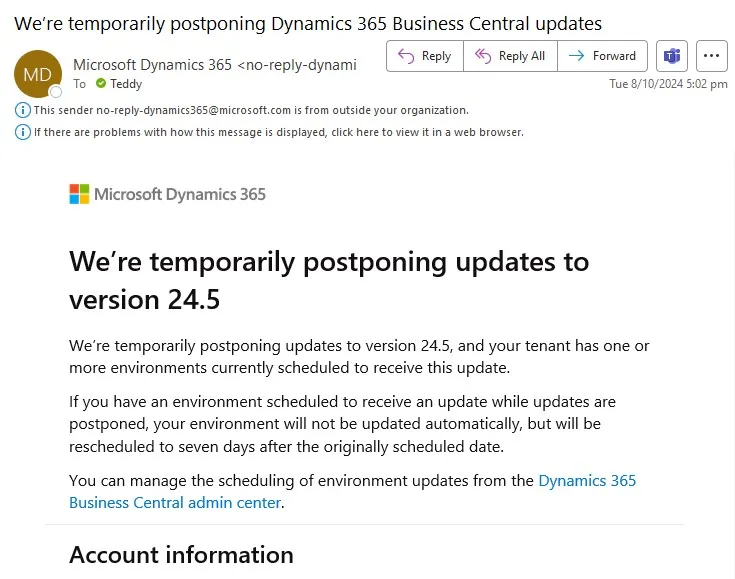
Microsoft sometimes postpones updates, like the recent delay of version 24.5. When this happens, you’ll receive an email notification about the postponement. However, the reason for the delay isn’t included in the email.
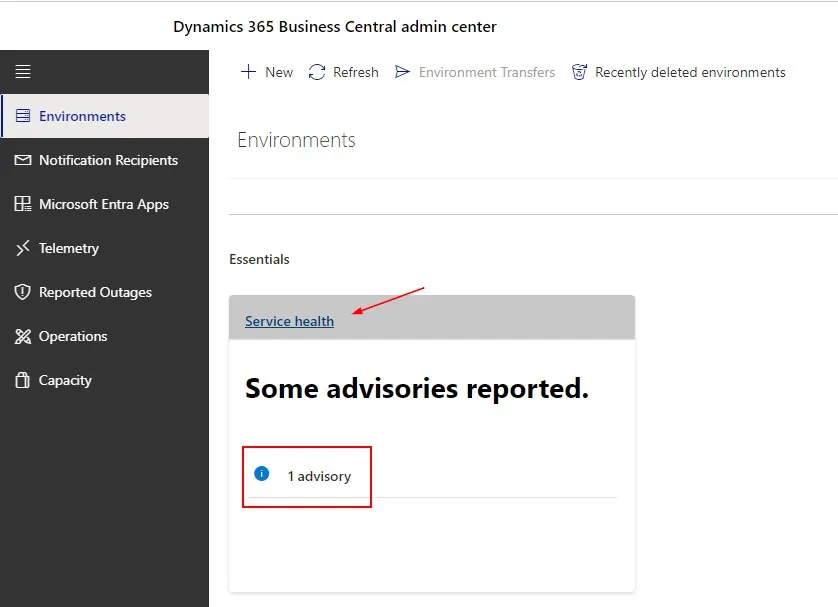
To find out why the update was postponed, go to the D365BC Admin Center, navigate to the Service Health section and look for any advisories reported.
Click on the Service Health or go directly to https://admin.microsoft.com/#/servicehealth
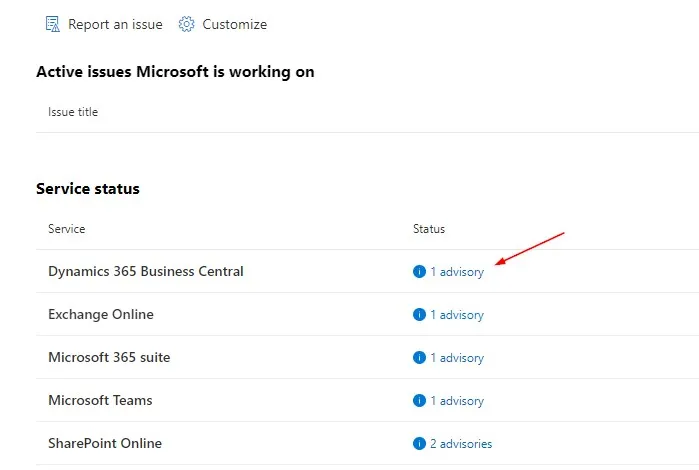
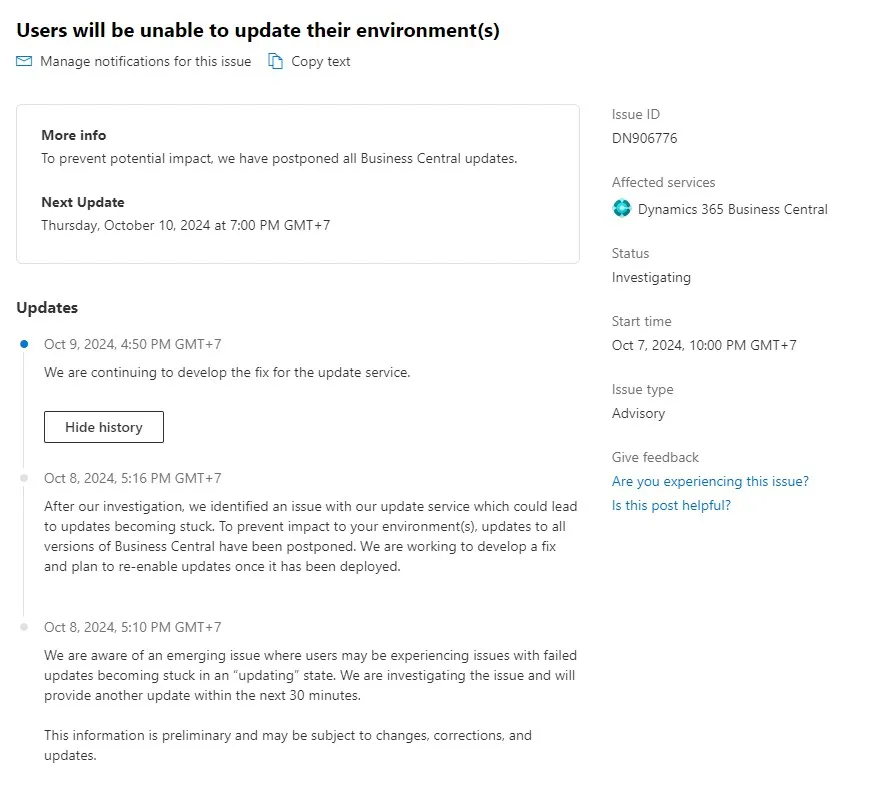
That’s it. Next time you receive a postponement notification, you’ll know exactly where to look for more information.