Skip to content

That NAV Guy

  • Home
  • D365 Business Central
  • BC Friday Tips
  • UX Series
  • Functional
  • Development
  • About
  • BC Resources

That NAV Guy

Anything about Microsoft Dynamics NAV and Microsoft Dynamics 365 Business Central Consultancy

  • Home
  • D365 Business Central
  • BC Friday Tips
  • UX Series
  • Functional
  • Development
  • About
  • BC Resources
7

D365 Business Central

25 November 2020

 by thatnavguy

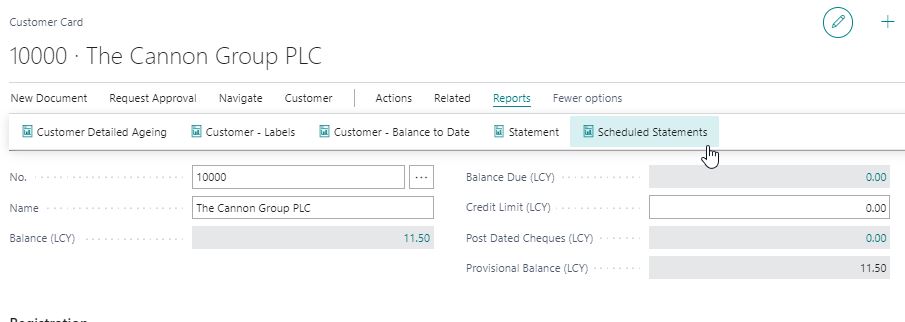
D365 Business Central : Batch Schedule Customer Statements

One of the requirements that users asked is the ability to batch email customer statement. Since there is no standard way of doing this in NAV or BC, we always ended up developing an...

1

D365 Business Central

6 November 2020

 by thatnavguy

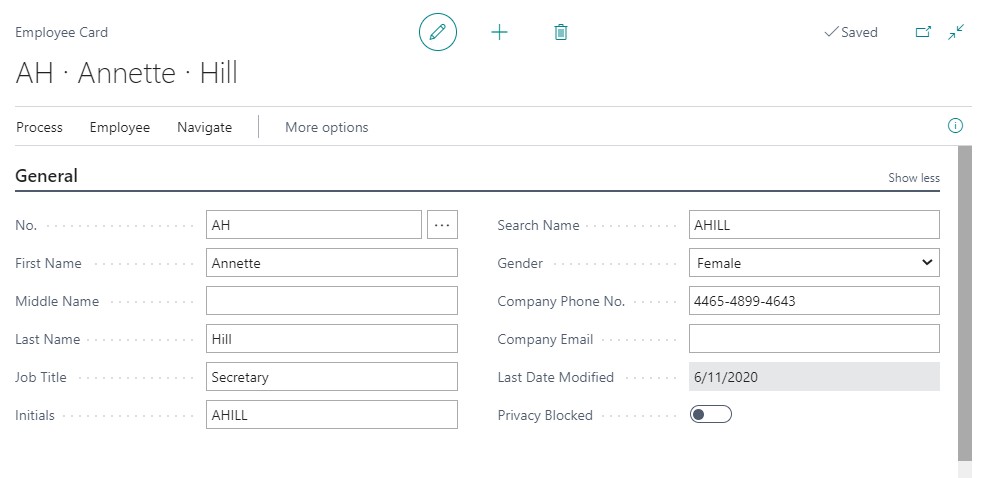
D365 Business Central : Human Resource Module

In Business Central, you have a Human Resource Module. You can keep detailed records of your employees information, such as confidential information, qualifications, absences, and contacts. To start using the Human Resources functionality, you...

1

D365 Business Central

29 October 2020

 by thatnavguy

D365 Business Central : Item List page vs Item Lookup page

In BC, there are two pages that list up your items master: Item List page and Item Lookup page. The Item List page contains a lot of fields (with flowfields) and actions. Item Lookup...

1

D365 Business Central

16 October 2020

 by thatnavguy

D365 Business Central : Posted General Journal

In NAV or Business Central, when you post the General Journal, it will create the General Ledger Entries (and the its related entries ), then the journal lines will be deleted. There is no...

0

D365 Business Central

14 October 2020

 by thatnavguy

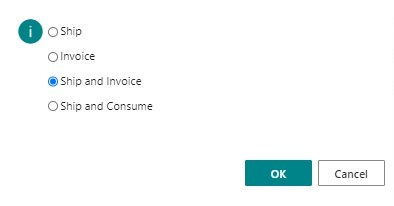
D365 Business Central : Service Posting

When you post the Service Order, BC will give you four options to choose: Ship, Invoice, Ship and Invoice, Ship and Consume. You can actually divide those four options into two categories:– Invoice :...

1

D365 Business Central

13 October 2020

 by thatnavguy

D365 Business Central : Table Type = Temporary

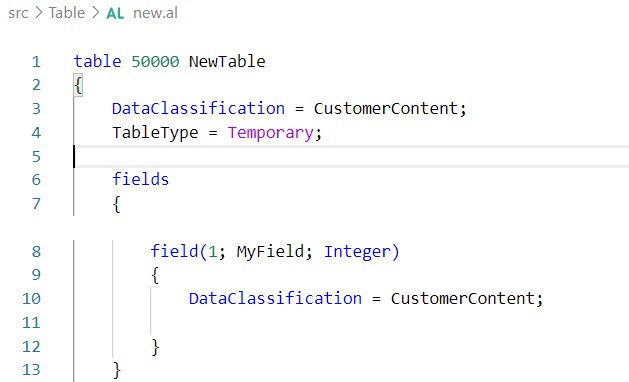
BC17 introduces great new features to increase your BC performance, such as partial record and temporary table type. Creating a temporary table is the concept of holding the data temporarily in the memory which...

0

D365 Business Central

5 October 2020

 by thatnavguy

Protected Variables in AL

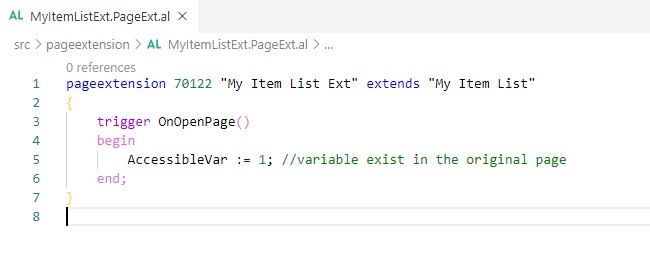
If you want to make a global variable accessible from table to table extension, or from page to page extension, you would normally need to create a procedure to get or set the variables....

1

D365 Business Central

1 October 2020

 by thatnavguy

D365 Business Central : Create View in AL

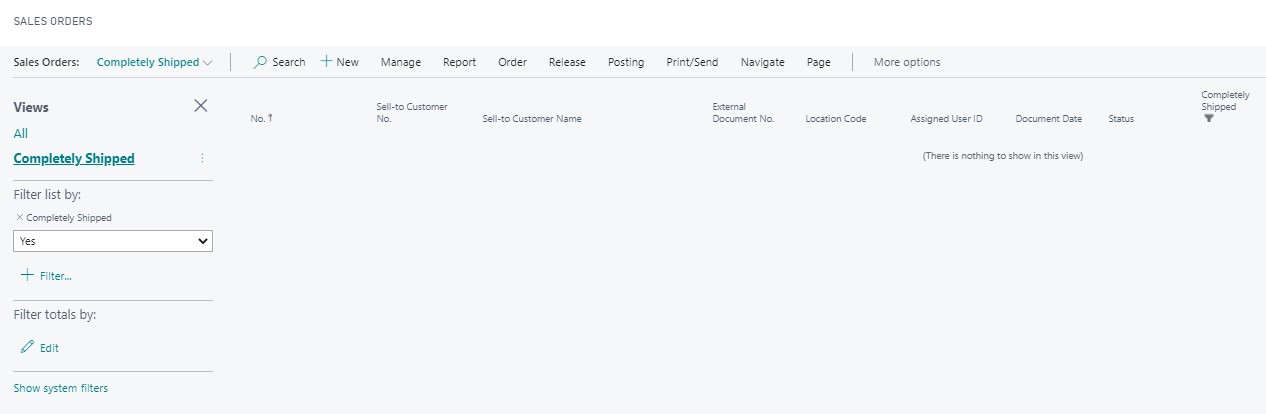
If you are tired of typing the same filters over and over again, the Save View is a great way to help you avoid having to set the respective filters over and over again....

1

D365 Business Central

28 September 2020

 by thatnavguy

D365 Business Central : Undo Shipment

If you found out that the quantity on your Sales Order has been shipped incorrectly, you can undo the shipment as long as the quantity has not been invoiced yet. You don’t need to...

3

D365 Business Central

17 September 2020

 by thatnavguy

D365 Business Central : Deprecated Features and Fields

Business Central is evolving faster than the old NAV. Every 6 months, Microsoft releases a new major version that may or may not break the changes. To keep up with the list of tables...

  • « Previous Page
  • Next Page »

Follow:

  • AI
  • Azure
  • Be Better
  • D365 Business Central
    • BC Friday Tips
    • UX Series
  • Dynamics NAV
  • PowerShell
  • VS Code

  • Popular Posts
  • Tags
  • Recent Comments
  • Recent Posts
  • BC Friday Tips / D365 Business Central

    BC Friday Tips #62 VS Code AL Themes

    23 January 2026

  • BC Friday Tips / D365 Business Central

    BC Friday Tips #61 Check AppSource App Update History

    16 January 2026

  • BC Friday Tips / D365 Business Central

    BC Friday Tips #60 DevToys

    12 December 2025

  • BC Friday Tips / D365 Business Central

    BC Friday Tips #59 Allocation Account Design

    5 December 2025

  • BC Friday Tips / D365 Business Central

    BC Friday Tips #58 Spotting Report with SaveValues

    28 November 2025

  • D365 Business Central / UX Series

    Progress Dialog: Making Business Central Responsive

    7 October 2025

  • BC Friday Tips / D365 Business Central

    BC Friday Tips #25 Use Build-in Methods

    21 March 2025

  • BC Friday Tips / D365 Business Central

    BC Friday Tips #53 Areopa Webinars

    24 October 2025

  • D365 Business Central / UX Series

    How to Write a Good Success Message

    15 July 2025

  • BC Friday Tips / D365 Business Central

    BC Friday Tips #31 Block Users using Security Group

    9 May 2025

  • Claus says:
    Dear Nav Guy Thanks for all your tips and trick, bút...
  • thatnavguy says:
    That's a good point. The GUIALLOWED is a must have for...
  • Gyula Csiak says:
    Great Post! Another advice is to use GUIALLOWED to check, if...
  • Progress Dialog: Making Business Central Responsive - That NAV Guy says:
    […] prevent this. One option is to have a successful message.
  • user-072026 says:
    awesome
  • Administration AI AL / CAL Approval AppSource BC20 Closer Look Copilot Design Development Dimension Docker Edit in Excel Error and Troubleshoot Extension Feedback Finance Free Apps Functional GitHub Copilot Hidden Features InStream OutStream Integration Inventory Licensing NAV2018 Performance Permission Posting Production Purchasing Report Reporting Reservation Sales Sample Code Service Speaking Theme Tips and Trick Upgrade UX UX Design VSCode Web Services API

Site Links

  • Home
  • D365 Business Central
  • BC Friday Tips
  • UX Series
  • Functional
  • Development
  • About
  • BC Resources

<strong>About That NAV Guy®</strong>

That NAV Guy is a resource site for anything related to Microsoft Dynamics NAV or Dynamics 365 Business Central. It was founded by Teddy Herryanto in November 2019. The main goal of this site is to document and share information, tips, and tricks for D365 Business Central.

Teddy Herryanto © 2026. All Rights Reserved.